

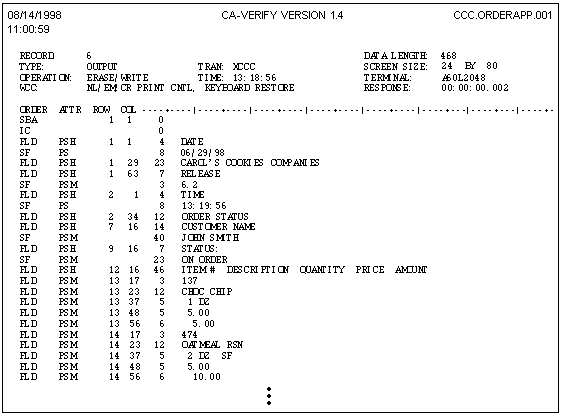
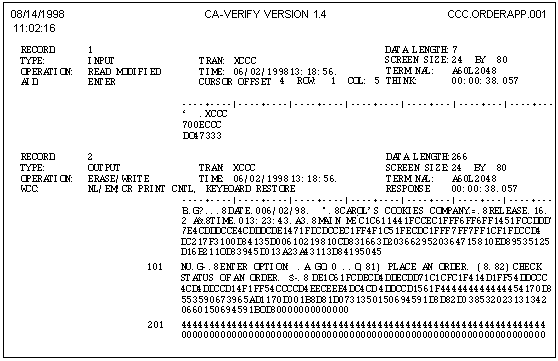
The examples on the next pages illustrate output from the Print function. The same input and output screens are illustrated in the three formats: Display, Field, and Dump.
This input screen was printed in Display format with the default options:
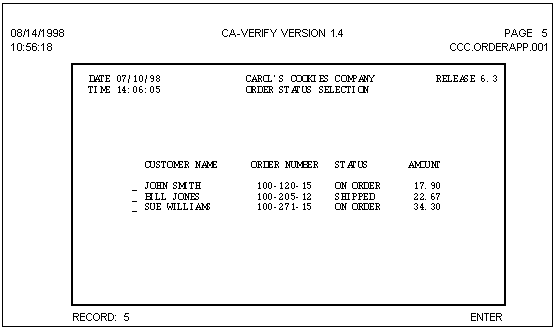
This output screen was printed in Display format with the default options:
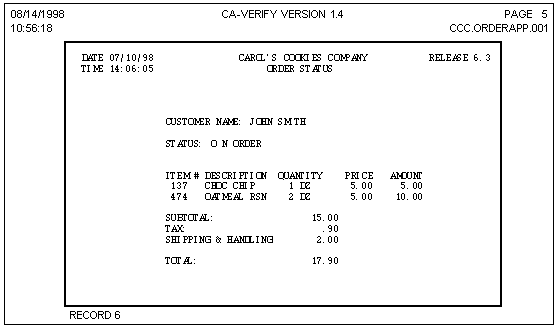
This screen was printed in Display format with the Shrink, Nocenter, Stats, Noframe, and Nocursor options:
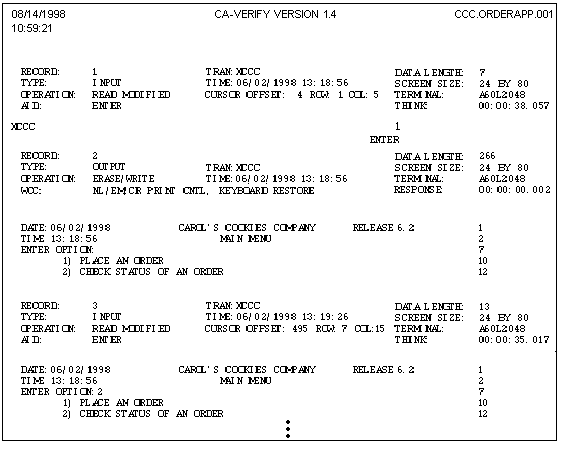
This input screen was printed in Field format with the default options:
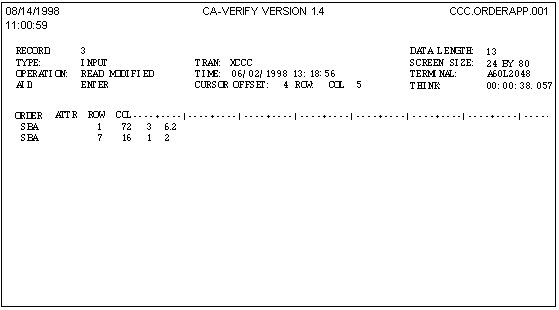
This output screen was printed in Field format with the default options:
The following screen was printed in Dump format with the hex option.
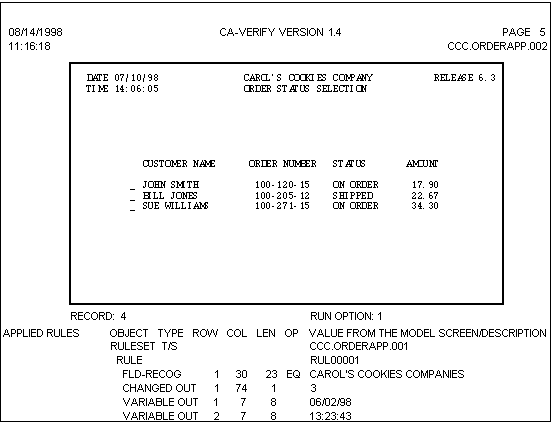
This screen was printed with Applied Rules:
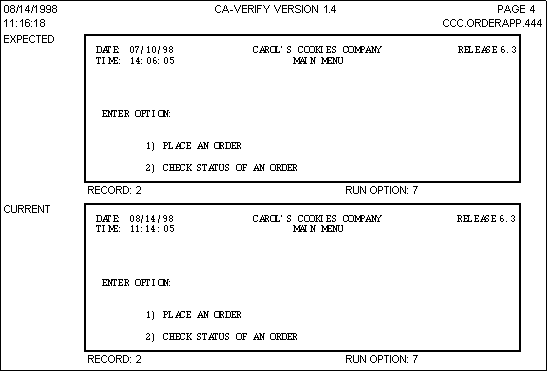
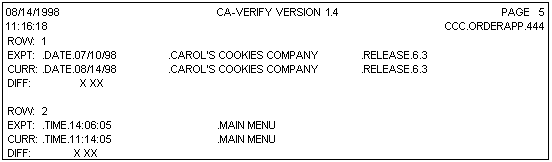
The next screens printed contain Differences:
|
Copyright © 2012 CA.
All rights reserved.
|
|