

|
|
|
In reports, you can access detailed information by clicking bar charts and links corresponding to such items as identification numbers, device names, or locations.
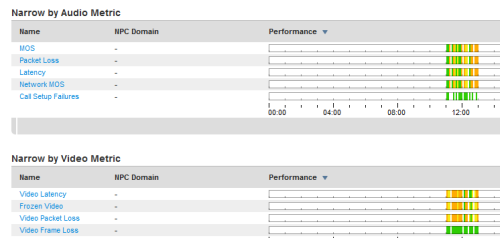
When you click a link in a report, the term “Narrow by” is applied to the view to indicate the focus of the data. In the following example, we clicked a Location link in the Performance by Location report to drill down to several "Narrow by" reports:
As a reminder, the link you originally clicked is identified in the Settings section:
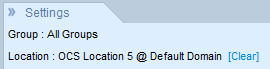
As you click links to drill down further into reports, the names of the links are added to the Settings section. Click [Clear] to remove a filter and return to a previous report.
| Copyright © 2012 CA. All rights reserved. |
|