

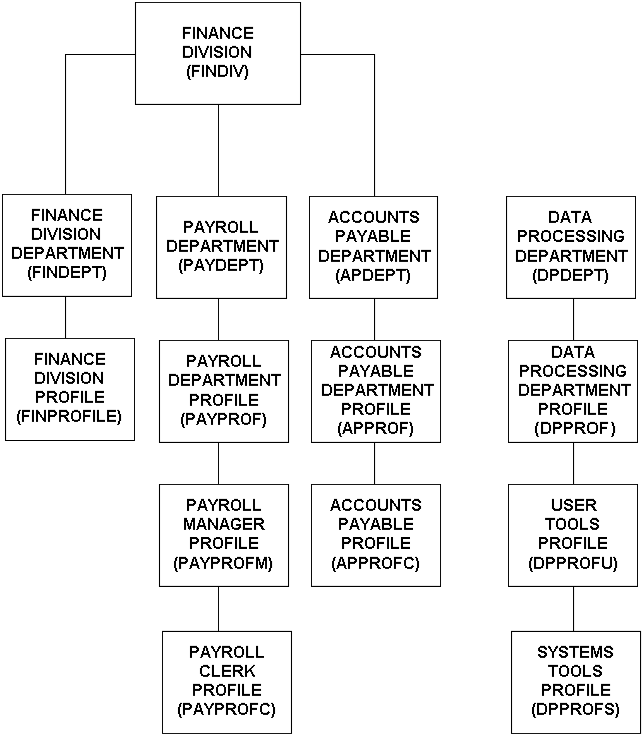
Design your profiles such that all users assigned to a department are attached to profiles that are assigned to that same department. Profiles must be defined in departments.
Example: Profiles attached to departments
In this example, the applications department requires certain access to system resources. PROFILEX, which is attached to the applications department, contains those access requirements for the system resources. Therefore, to allow all application department users to access system resources, attach PROFILEX to the user ACID of each user via a TSS ADD or CREATE command.
You can also design your profiles such that the profiles assigned to a department define access to resources that are owned within that department. Users in any department that require access to these resources can then be attached to these profiles.
PROFILEZ, which is attached to the Systems department, contains the access requirements for the system resources used by the Applications department users. To allow Applications department users to access the systems resources, attach them to PROFILEZ via an ADD or CREATE command:
|
Copyright © 2014 CA Technologies.
All rights reserved.
|
|