

The security file contains all security-related information about users, profiles, departments, divisions, zones, and resources. You need to protect your site from loss of data that could occur if your primary security file is damaged, corrupted, or lost. This scenario shows how a security administrator implements a security file backup and recovery plan.
Security file corruption can occur because of physical damage, intrusion, or an invalid command. Performing regular security file backups ensures that you can recover data. Recovery consists of reconstructing the security file with all changes that occurred since the last backup. You apply these changes from a recovery file to the backup security file.
The following illustration shows how a security administrator implements a security file backup and recovery plan:
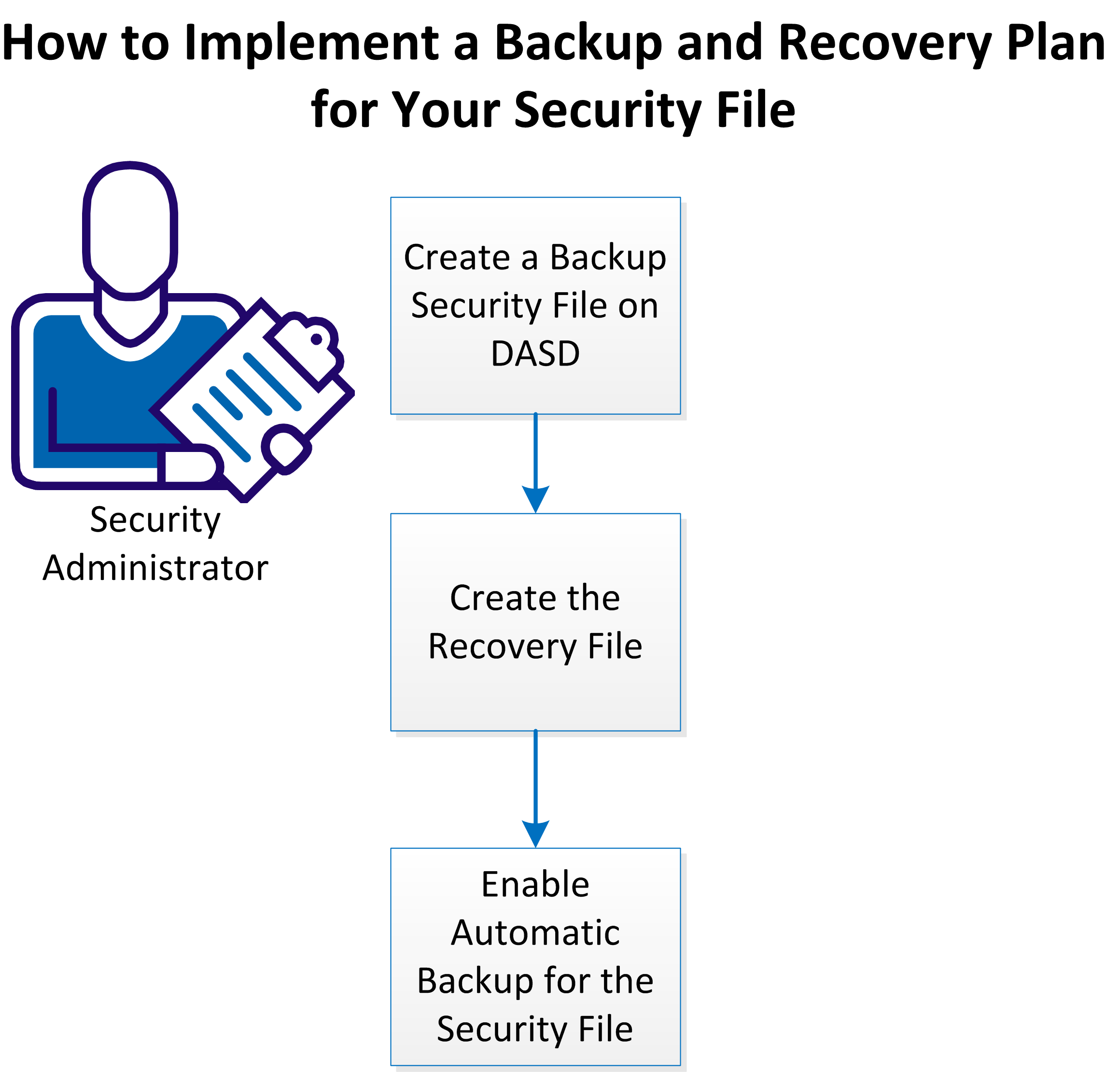
Perform the following tasks to implement a security file backup and recovery plan:
|
Copyright © 2014 CA Technologies.
All rights reserved.
|
|