

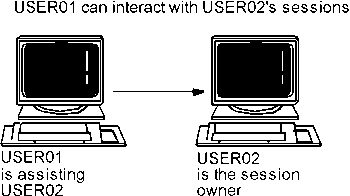
The Session View feature allows you to view another user's interaction with an application session. It also allows other users to view your session interaction. This facility can aid helpdesk or training personnel in guiding a user through an application or monitoring a user's progress.
View displays the user's screens as they currently appear, updating the screen every time the user being viewed presses an AID key (such as Enter, a PA key, or a PF key). As you view the session, you see all of the user's input and the application's output.
|
Copyright © 2013 CA.
All rights reserved.
|
|