

To copy data from one application to another in copy mode
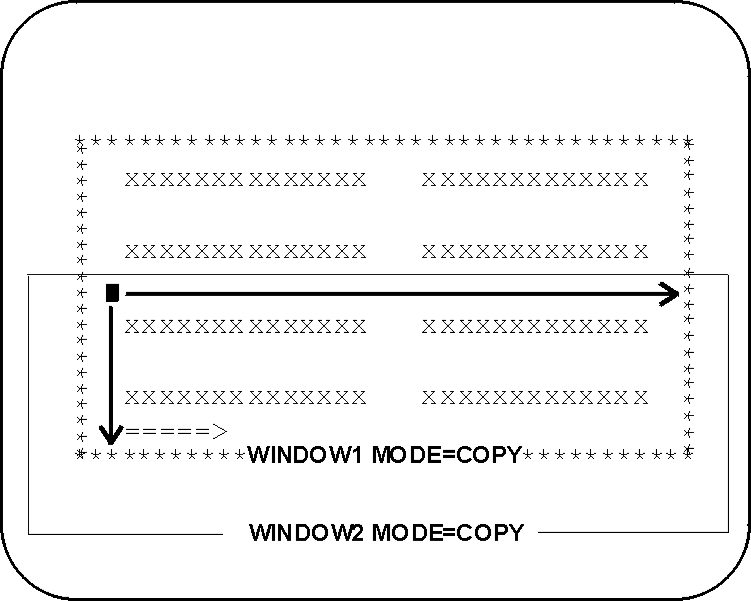
A temporary window containing the data to the right and below the cursor position appears on the screen. The border character for the temporary window is the letter “F”.
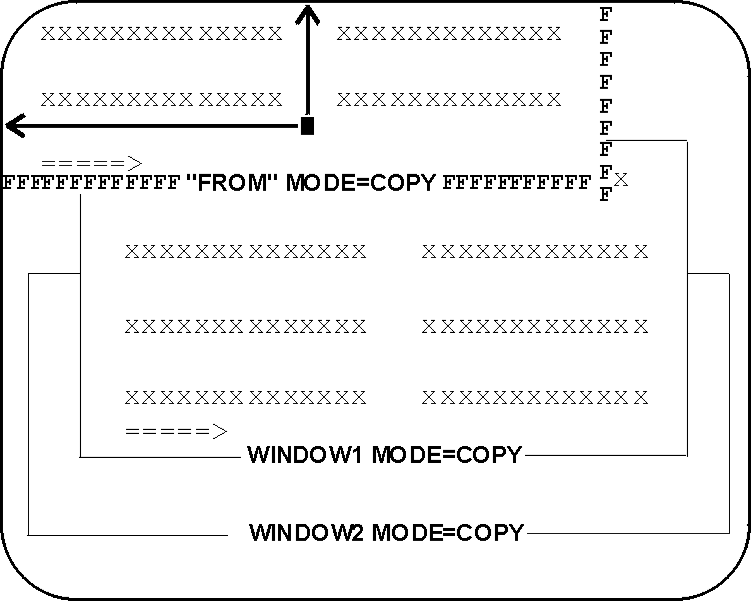
The temporary window now contains only the information you want to copy.
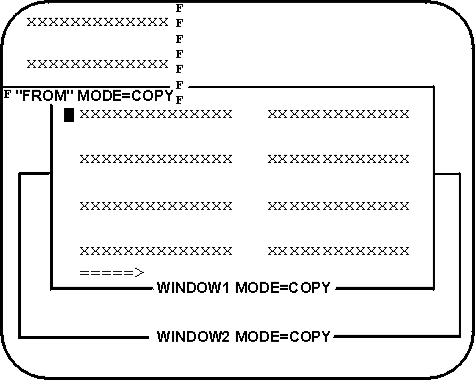
The data is copied into the application in the area you specified.
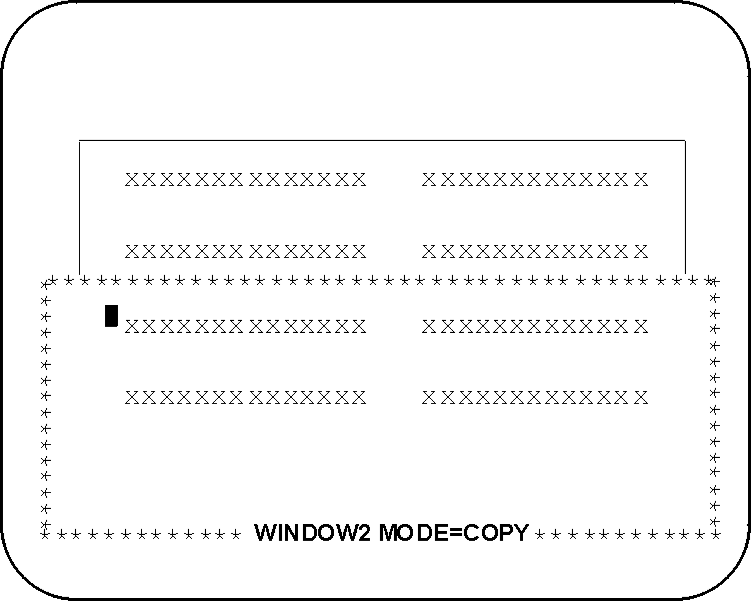
|
Copyright © 2013 CA.
All rights reserved.
|
|