

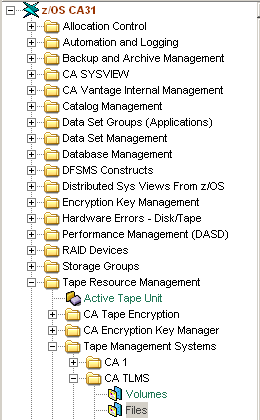
The information accessed through the Files object comes directly from the Volume Master File (VMF) record. Files with the “File Sequence in Chain” set to zero are excluded from the views produced for this object.
Note: For more information on these fields, see the Help About Object online help.
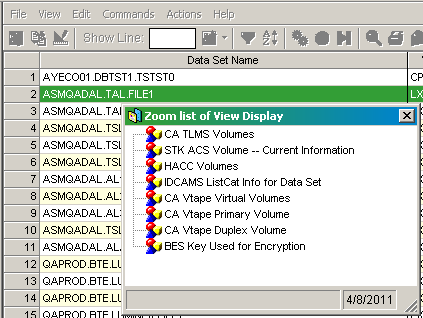
The following zooms are available from the Files object:
The following actions are available on the Actions menu:
Note: This action is only available in the Windows Client.
The following zooms are available from the Files object:
|
Copyright © 2014 CA.
All rights reserved.
|
|