

Use the Agents page of the Windows Client Options wizard to specify which host agents you want to be active and which host agents display at the top of the Object Tree when you activate the Windows Client. The following is an example of the Agents page of the Windows Client Options wizard:
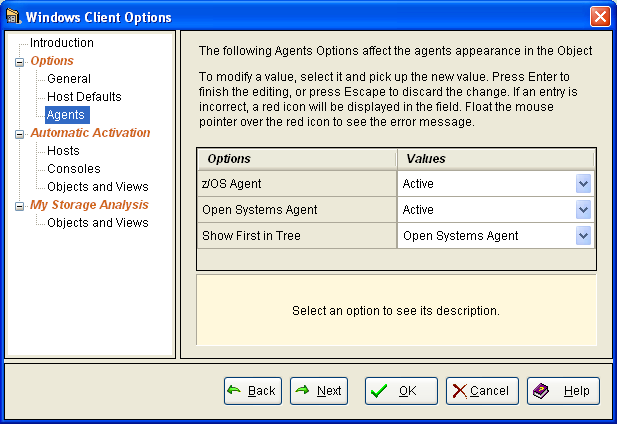
The following options are available on the Agents page of the Windows Client Options wizard:
If Active is selected:
If Inactive is selected:
If Active is selected:
If Inactive is selected:
If both the Open Systems and z/OS Agent options are Active, then indicate here which one you want to see displayed first in the Object Tree.
|
Copyright © 2013 CA Technologies.
All rights reserved.
|
|