Previous Topic: Confirm the InstallationNext Topic: Set the Security Scheme


Select the Operating System

To select the operating system

  1. From the Open Systems menu of the Windows Client, select Register, Network Storage, then Computers and Domains.
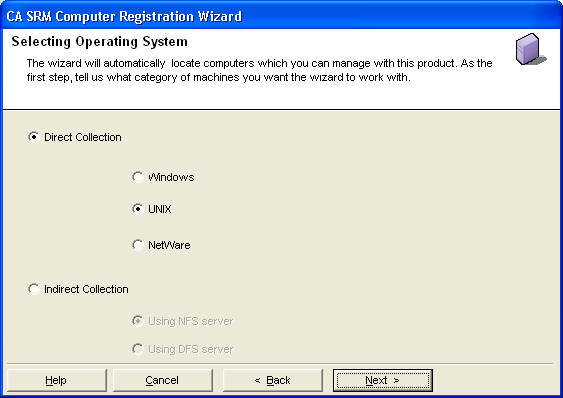
  2. Click Next on the Welcome dialog. Select Operating System dialog opens:

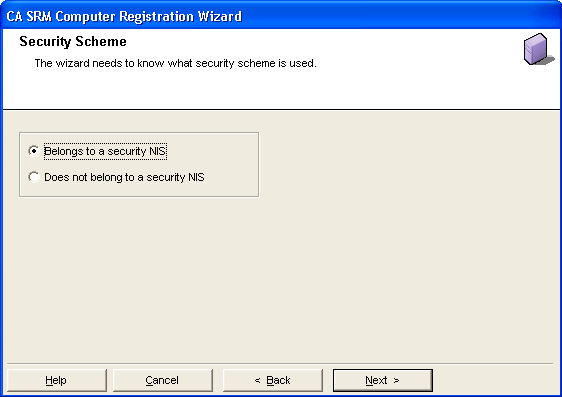
  3. Select UNIX and click Next. The Security Scheme dialog opens: