

Configuring CA SRM › Configure Services › Create Procedures
Create Procedures
You can group individual services into a procedure. A procedure executes these services in the sequence you specify.
Follow these steps:
- Start the Windows Client.
- From the Object Tree, expand Services, and then select Procedures.
- Right-click Procedures and select New.
- Type the name of the procedure in the Procedure dialog.
- (Optional) Add a description of the procedure.
- Click OK.
The Procedure table opens.
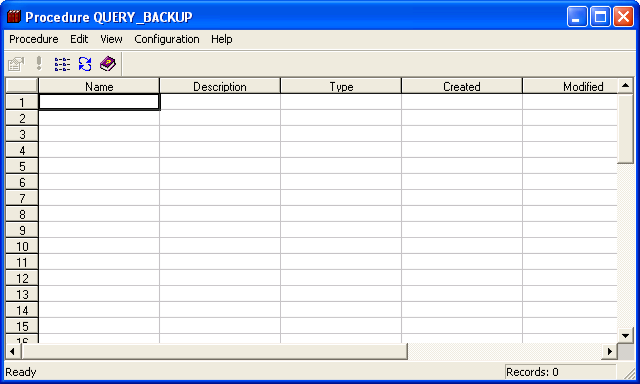
- (Optional) Select Browse services from the Configuration menu, to add services to your procedure.
The Services dialog opens listing all the defined CA SRM services.
- (Optional) To add a service to the current procedure, highlight it and click the Include Selected Objects button
 . Rename the selected service before you can include it in the procedure.
Copyright © 2016 CA Technologies.
All rights reserved.
|
|