

The CA SRM Web Reporter Control Panel is an interface from where you connect to SQL Central database, Add/Delete/Enable/Disable CA SRM Application Servers, and perform administrative functions such as configuring trend stages.
Before connecting to the Central database, the CA SRM Web Reporter Control Panel does not show any Servers, as in the following example:
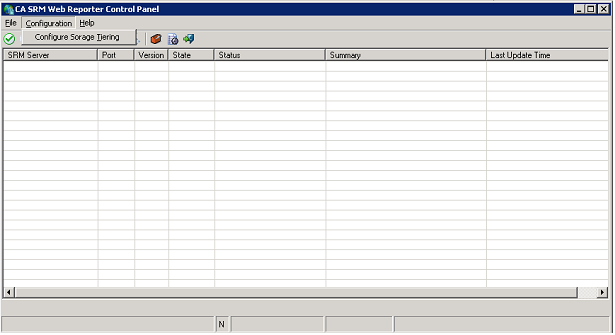
The CA SRM Web Reporter Control Panel is accessed only from CA SRM Web Reporter server.
To open Web Reporter Control Panel, click Start, All Programs, CA, SRM Web Reporter, SRM Web Reporter Control Panel.
|
Copyright © 2013 CA.
All rights reserved.
|
|