

In the List view of an object, you can modify the information displayed below the object by modifying the source of the object name and the source of the value. Use the List menu options to perform this customization.
You can also color‑code the values. Use the List Criteria option in the List menu to do this.
Example of how to display the Storage Group type, rather than Storage Group name
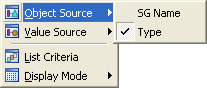
The List view shows each of the objects by its system type rather than object name.
A list of numeric data measurements is displayed.
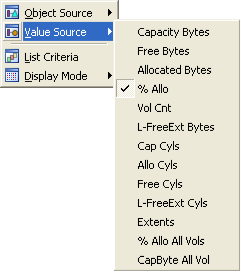
The previous numeric values (capacity in bytes) displayed in the object list view is now changed to percentage of allocated bytes.
|
Copyright © 2013 CA.
All rights reserved.
|
|