

Agent for SharePoint Guide › Advanced Options › How to Replace the Certificates for your CA SiteMinder® Trusted Identity Provider
How to Replace the Certificates for your CA SiteMinder® Trusted Identity Provider
CA SiteMinder® trusted identity providers use the following SSL certificates to encrypt their communications with the CA SiteMinder® Policy Server:
- A certificate authority certificate (CA-certificate or root certificate).
- An x.509 certificate (signing certificate).
When any of the previous certificates expire, you can replace them with valid certificates.
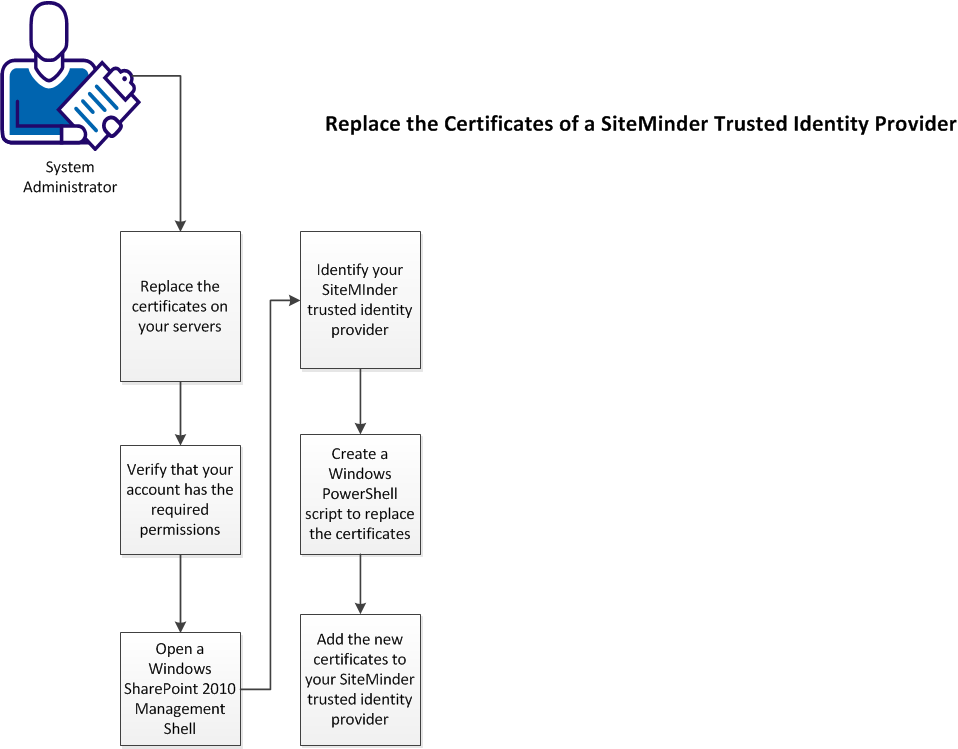
The following illustration describes how to replace the certificates of your CA SiteMinder® trusted identity provider:
Follow these steps:
- Replace the certificates on your servers.
- Verify that your account has the required permissions.
- Open a SharePoint 2010 management shell window on your SharePoint central administration server.
- Identify your CA SiteMinder® trusted identity provider.
- Create a Windows PowerShell script to update the certificates.
- Add the new certificates to your CA SiteMinder® trusted identity provider.
Copyright © 2013 CA.
All rights reserved.
|
|