Agent for SharePoint Guide › Features to Set Up Following Basic Installation and Configuration of the Agent for SharePoint › Office Client Integration › How to Configure Office Client Integration for the Agent for SharePoint
How to Configure Office Client Integration for the Agent for SharePoint
Office Client Integration lets users collaborate on Microsoft Office documents stored in SharePoint. When users open a Microsoft Office document on SharePoint, they use the related Microsoft Office application to edit the document.
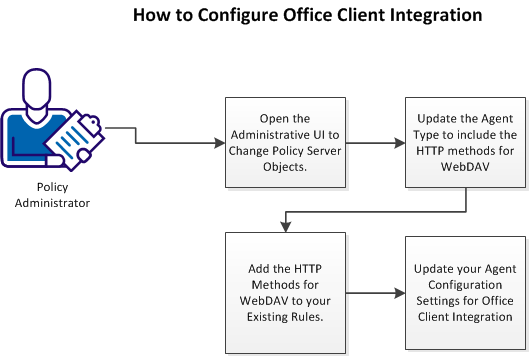
Follow these steps:
- Open the Administrative UI to change Policy Server objects.
- Update the Agent Type to include the HTTP methods for WebDAV.
- Add the HTTP methods for WebDAV to your existing rules.
- Update your Agent Configuration Settings for Office Client Integration.
|
Copyright © 2012 CA.
All rights reserved.
|
|

