

As an operator, you can schedule and run predefined reports using InfoView. You use these reports to view metrics and service details over specified time ranges. The reporting features available to you depend on the access privileges your administrator sets.
In addition to the reporting features included in this documentation, you can access the online help from InfoView.
Use the following scenario to guide you through the process:
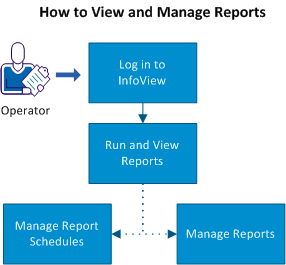
Follow these steps to run and manage reports:
|
Copyright © 2013 CA.
All rights reserved.
|
|