

|
|
|
A theme is organized in folders, with one top-level folder for each theme. In addition to the CSS files, a theme includes several other supporting files and several folders. You do not need to edit these additional files and folders. However, you copy them as a group when you copy and modify a CSS file.
In the %USM_HOME%\filestore\themes folder, CA Service Catalog includes the following top-level folders for each predefined theme:
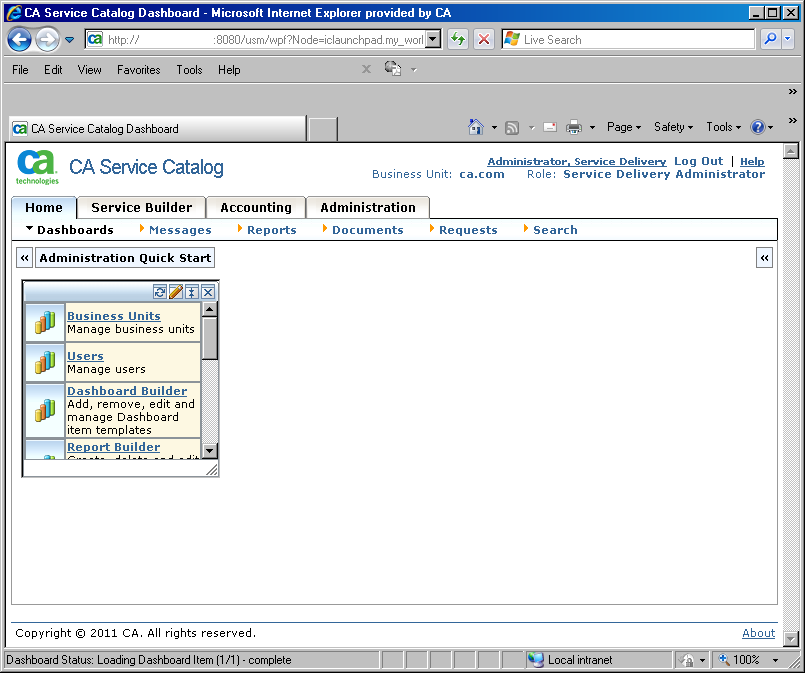
Specifies the predefined look-and-feel elements of previous releases of CA Service Catalog.
The following is a sample home page using this theme (without customizations):
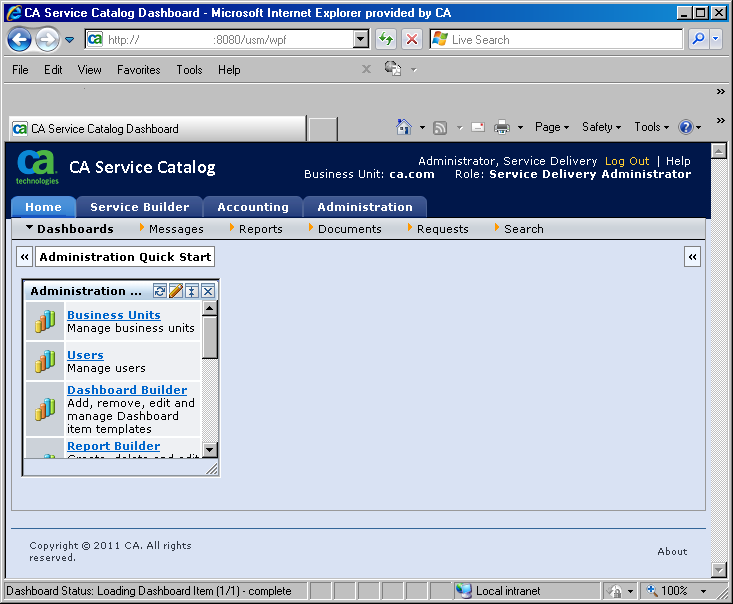
Specifies the predefined look-and-feel elements of the current release of CA Service Catalog.
The following is a sample home page using this theme (without customizations):
Contains look-and-feel elements that apply to all predefined and custom themes.
Important! Do not copy and modify the common folder.
If you have already created custom themes, your top-level folders for those themes also appear in the %USM_HOME%\filestore\themes folder.
To create a custom theme, you copy either a predefined folder (such as CA_Technologies_R7) or a custom folder that you created earlier. Afterwards, you modify the CSS file of interest in the folder that you copied.
You store all custom theme folders under the filestore folder. You store them on the same folder level as the CA_Technologies_R5 and CA_Technologies_R7 folders.
Each top-level folder name becomes the name of an option for a theme. When you edit a business unit, you can select a theme for it.
If you update a theme for a specific business unit, the change affects the users who belong to that business unit. The change also affects any child business units that do not have their own theme specified. Child business units inherit the theme of their parent business unit. However, they can optionally override the inherited theme by specifying their own theme.
| Copyright © 2011 CA. All rights reserved. | Tell Technical Publications how we can improve this information |