

|
|
|
You can access two types of online help systems from the GMI Windows Client:
Provides information about how to use GMI Windows Client features.
Provides object specific information, including information about the object data fields in each object.
Note: The online help is generated from the standard CA SYSVIEW online help. This online help can contain references to parameters, fields, and notes that pertain only to the 3270 interface.
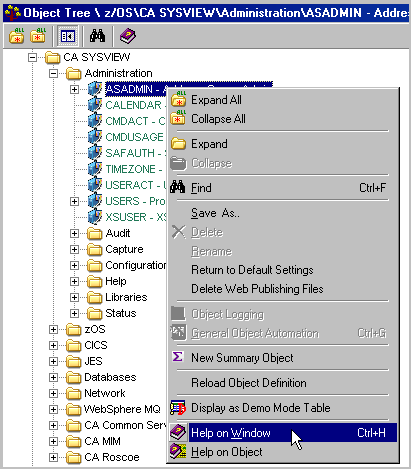
To access the Help on Window online help system
The Object pop-up menu appears as shown in the following sample.
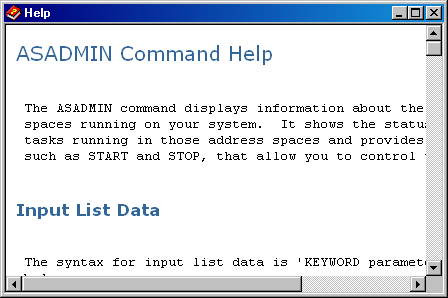
The GMI Windows Client online help system appears showing the online help page for the window from which the Help on Window was selected.
To access the Help on Object online help system
The Object pop-up menu appears.
The Help on Object appears showing the online help page for the selected object, which in this sample is ASADMIN.
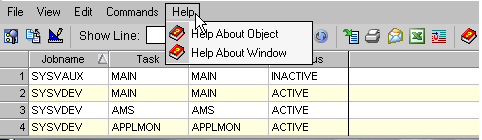
Example: Display online help from an object view
You can access the Help About Object and the Help About Window from the Help menu item in the object view Menu Bar. This access is shown in the following sample of the CA SYSVIEW ASADMIN Address Space administration menu.
| Copyright © 2012 CA. All rights reserved. | Tell Technical Publications how we can improve this information |