

|
|
|
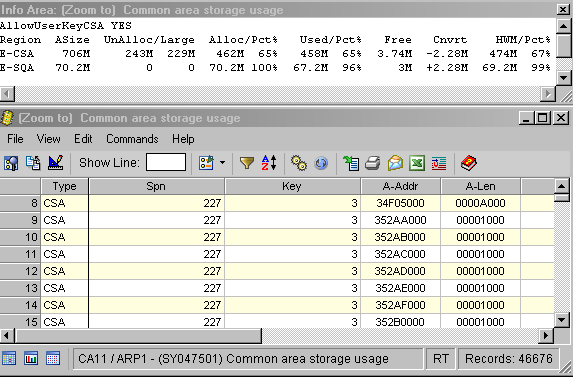
The information area is present on some of the CA SYSVIEW displays and contains information unique to the object (command). The information area length is from 1 to 16 lines.
To display the information area
Example: Information Area
| Copyright © 2012 CA. All rights reserved. | Tell Technical Publications how we can improve this information |