

Designing Processes › Process Control › Inline Process › View an Inline Child Process
View an Inline Child Process
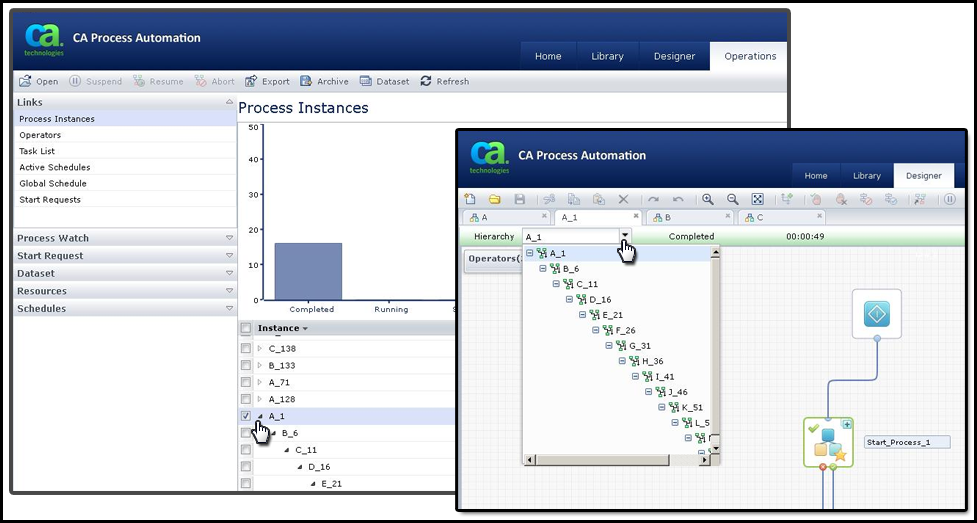
You can view an inline child process at runtime using one of the following methods:
- In the Designer, click the plus icon on the top right-hand side of the Start Process operator in the parent instance.
- In the Designer, click the Hierarchy drop-down list and select a child process listed under the parent.
- On the Operations page, click a parent instance.
The following graphic demonstrates these three methods.
Copyright © 2013 CA.
All rights reserved.
|
|