

|
|
|
You create subfile options so end users can enter a value in the subfile option field on the panel (the left-most field on the Edit Project panel) to perform an action (in this case, open the Edit Task panel).
The following graphic shows you the Edit Project panel with a 5 in the subfile option field for the first project.
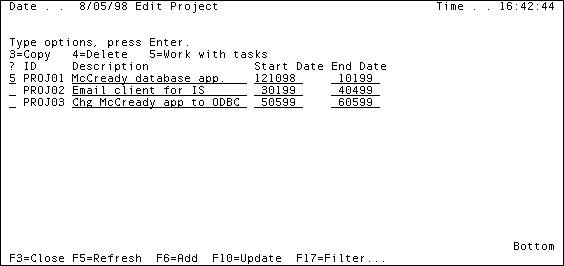
Note: CA Plex uses the term grid selector for the System i subfile option.
To create a subfile Option value:
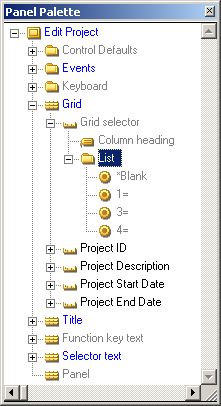
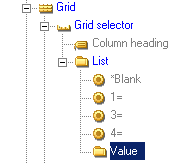
|
Value |
Enter |
|---|---|
|
Text |
5= |
|
Event |
Modify Tasks |
|
Value |
Five |
| Copyright © 2012 CA. All rights reserved. | Tell Technical Publications how we can improve this information |