

|
|
|
One of the first considerations when defining an entity is what data it will store. In this section, you define fields for the Project entity: an identifier, a description, and start and end dates for a project.
To define the fields of the Project entity:
You just created the triple Project known by Project ID. This triple creates a primary key for the Project entity. For more information on how to change misnamed objects, see the section Misnamed Objects in this chapter.

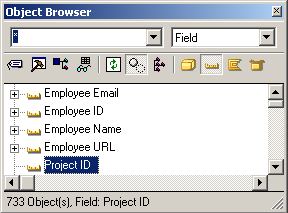
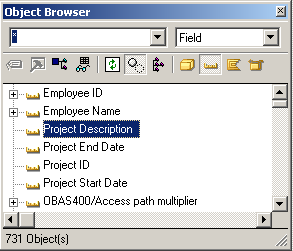
You have created the triple Project has Project Description, which defines the field Project Description for the Project entity. You will use this field to store a description of the project. This triple, ENT has FLD, creates a non-key attribute. The values in non-key attributes do not need to be unique to each entity. For instance, you may have more than one project with the same text in the description field.
Project has Project Start Date
Project has Project End Date
| Copyright © 2012 CA. All rights reserved. | Tell Technical Publications how we can improve this information |