

|
|
|
Adding fields to variables is equivalent to declaring variables in many programming languages. You cannot reference a field in an action diagram until you add it to one or more variables.
To add the Project ID field to the SharedData variable:

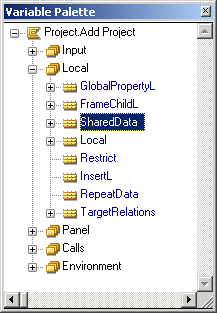
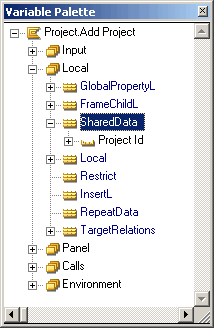
Refresh and notice that the variable now contains the Project ID field. This adds the following triples to the model:
 Project.Add Project local Project ID
                    ...for UIBASIC/SharedData
The Project ID could have been added to the SharedData variable by entering these triples in the Model Editor using drag and drop in the Variable Palette. The result is the same whichever method you use.
| Copyright © 2012 CA. All rights reserved. | Tell Technical Publications how we can improve this information |