

|
|
|
You defined Project in the previous chapter, and Employee was already defined before you started. In the following steps, you create an entity-relations diagram. On the diagram, you create the Task entity, and specify the relationships between the different entities.
To create and open a diagram:
Project described by Project Diagram
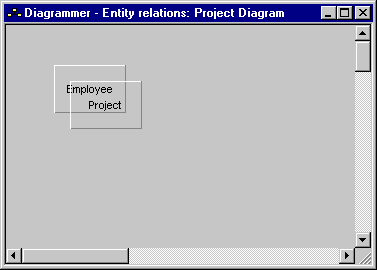
You can now work in the diagram you just created. A diagram is like a canvas, onto which you place nodes, sub-nodes, and links between nodes, to represent your model.

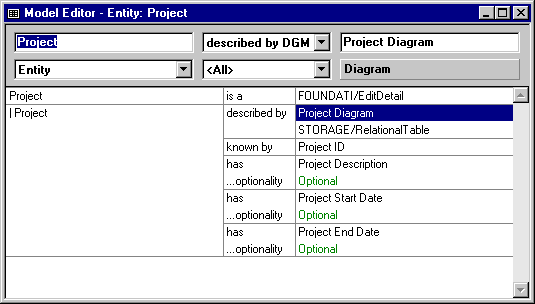
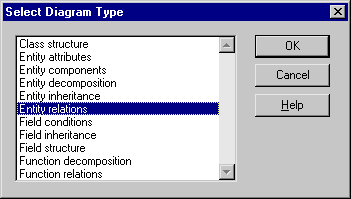
The Diagrammer opens, with the Select Diagram Type dialog over it:

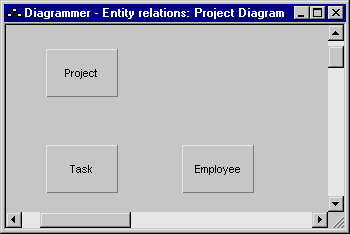
The Diagrammer window should look something like this:
Next, you add the Task entity to the diagram.
CA Plex adds the new node at the point where you clicked the mouse.
The New Node dialog appears:
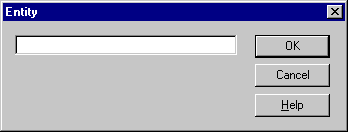
Note that the title bar on the dialog says Entity. The title bar shows you the type of node you are defining.
| Copyright © 2012 CA. All rights reserved. | Tell Technical Publications how we can improve this information |