

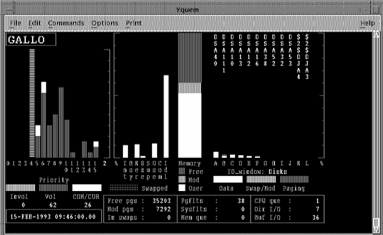
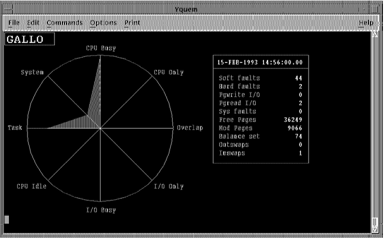
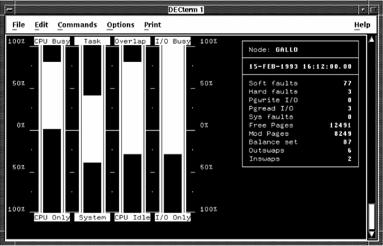
The System and Load Balance displays provide graphic information to determine which of the three main system resources (memory, I/O, or CPU) is a limitation. To investigate a limitation in more detail, use the Memory, I/O, and CPU displays.
Note: For a detailed description of a system tuning methodology, see HP's OpenVMS Performance Management guide.
When determining a limitation in a main resource, investigate the resources in the following order:
The order is important because memory limitations cause paging and swapping, which lead to I/O and CPU problems.
Begin your tuning investigation by using the System Overview or Load Balance displays, as shown in the following screens:
|
Copyright © 2008 CA.
All rights reserved.
|
|