Customize the DECwindows Motif Real-time Display › How You Set the Panel Options › Close the Panel
To close an instrument pane
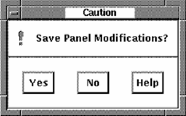
If you modified the instrument, Performance Manager displays the following message: