

An overview of the system-wide PC data collection and reporting procedure is shown in the following figure. The first step is to collect System PC data which is written to a log file. The next step is to run a report of System PC data.
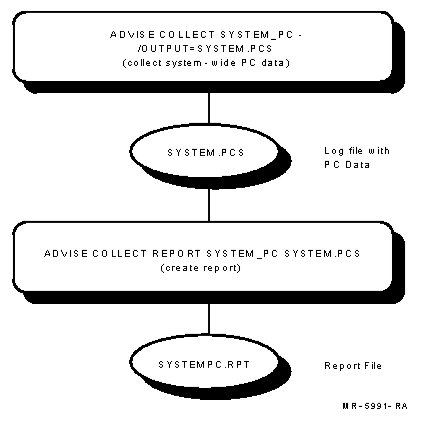
To begin collecting system-wide PC data, you must give a command of the following type:
$ ADVISE COLLECT SYSTEM_PC/qualifiers
To use this command, you need either the SETPRV account privilege or all the following privileges:
|
Copyright © 2008 CA.
All rights reserved.
|
|