

To select report details, pull down the Select menu and release on the Report Details . . . menu item. The dialog box shown in the figure below is displayed.
To select a detail, click on the toggle buttons for the details that you want. If you do not specify any details, none will appear in the price file.
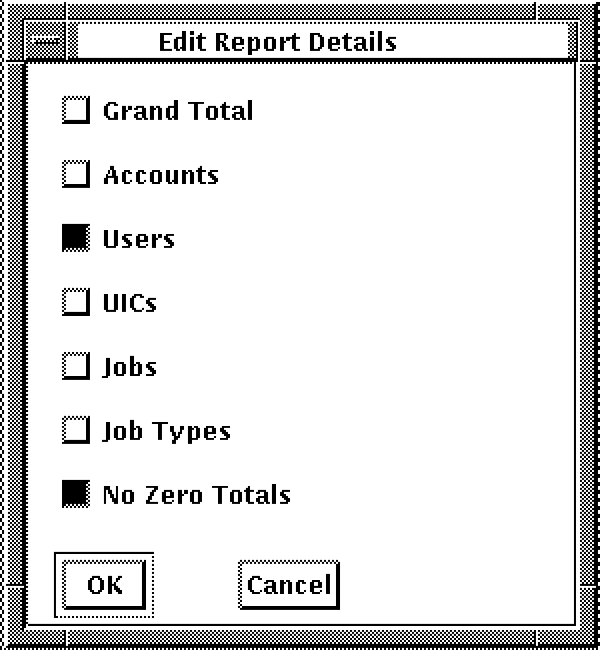
Qualifiers can be specified in the command line and in a price file. Report detail qualifiers specified in the command line override qualifiers in the price files. If report details are not specified, the defaults are GRAND, ACCOUNTS, and USERS.
|
Copyright © 2008 CA.
All rights reserved.
|
|