

You can specify the day and time for the reporting period or select from standard time periods. To select a time period, release on the Time Period...menu item. The dialog box shown in the following figure is displayed.
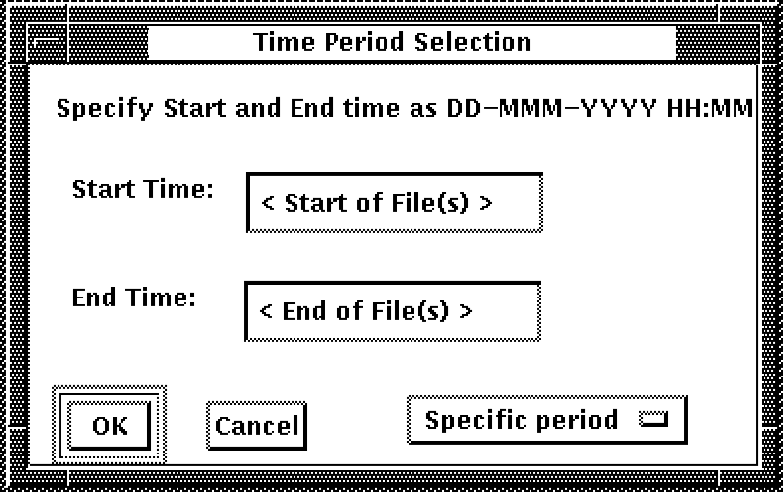
You can select from the following time period options:
To specify a time period, click on the Specific period option menu and release on the selection you want. The selections are shown here:
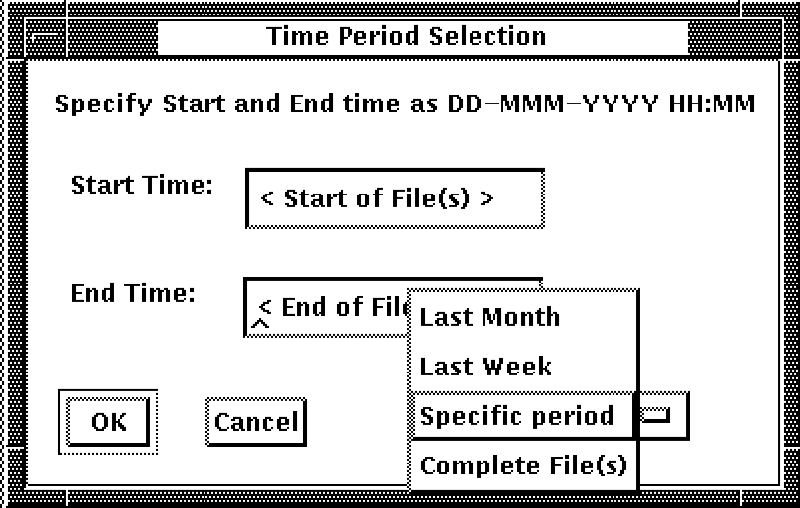
To enter a specific period of time to be covered by the report
a) Click on the Start Time text field and type the beginning date and time.
b) Click on the End Time text field and type the ending date and time.
|
Copyright © 2008 CA.
All rights reserved.
|
|