Using the DECwindows Motif Interface › Selecting Data and Price Files › Selecting the Disk Use Data File
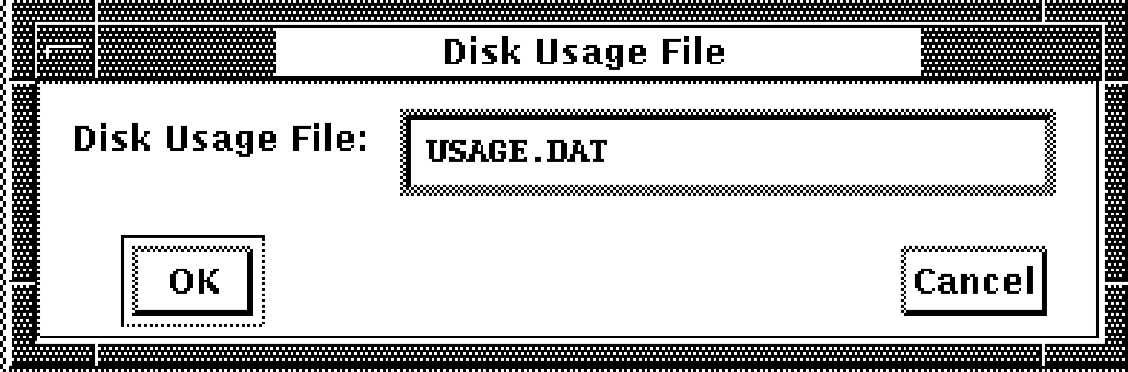
To select a disk use file, release on the Disk Usage... File menu item. The dialog box shown in the following figure is displayed.
Type the name of the file and click on OK.