

To use the DECwindows Motif interface, you do not need to install Accounting Chargeback or have it running on a workstation. You run the software from a remote node or cluster.
To start the DECwindows Motif interface
$ SET DISPLAY/CREATE/NODE=MYNODE
MYNODE represents the node name of the workstation.
Enter the following command:
$ ADVISE CHARGE_BACK REPORT/INTERFACE=DECWINDOWS
The Accounting Chargeback DECwindows Motif interface displays the main window, enabling you to select the task you want to perform.
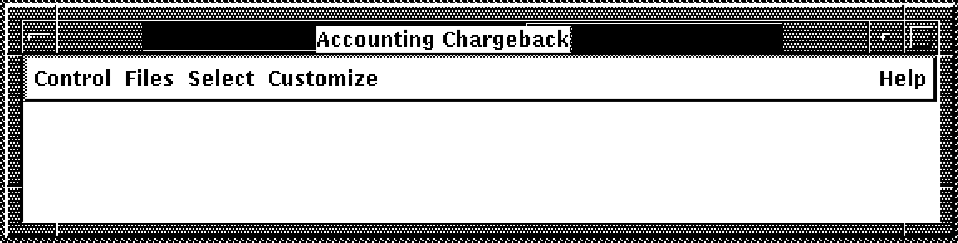
The menus in the Accounting Chargeback main window enable you to do the following:
|
Copyright © 2008 CA.
All rights reserved.
|
|