The detailed information appears at the right.
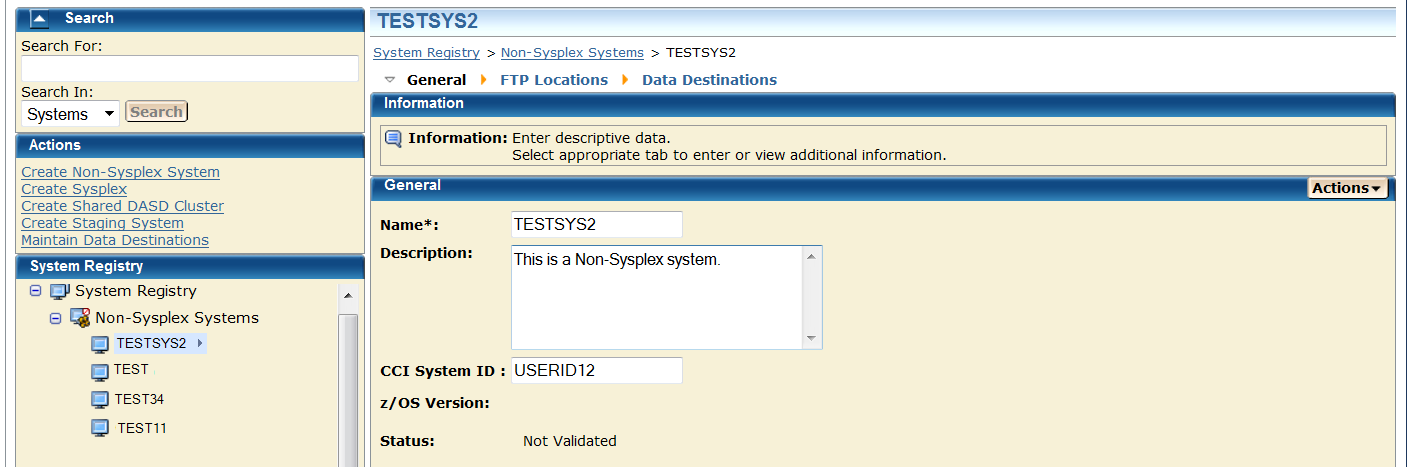
Limits: Maximum 8 characters.
Limits: Maximum 255 characters.
Note: CA recommends that the CCI System ID is not updated.
Limits: Maximum 8 characters.
For example, assume contact system is set to CO11, FTP location URI is set to XX61 and the remote credentials are set up for CO11.
The deployment could fail because your remote credentials might not be the same on both systems (CO11 and XX61) and you set the Contact System to CO11, but you are contacting to XX61 and it will fail because spawn will be started on CO11 but we will look for the output on XX61 because that is where the FTP location was set.
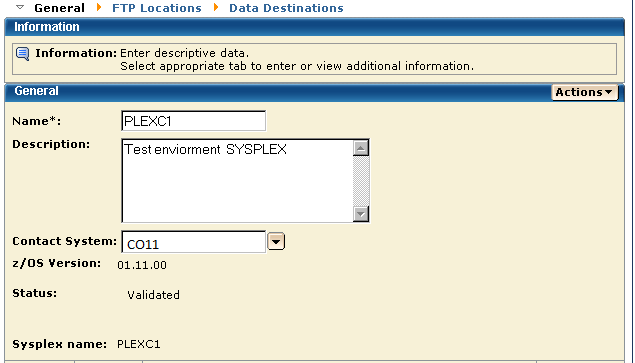
Note: z/OS Version is set by CA MSM.
Note: Monoplexes are stored in the Sysplex registry tree but with the name of the Monoplex System and not the Monoplex Sysplex Name. For example, a system XX16 defined as a Monoplex, with a sysplex name of LOCAL. It will be depicted in the System Registry as a Sysplex with the name of XX16. This sysplex will contain one system: XX16.
This procedure was created to help customers that have Monoplexes with the same sysplex name (for example: LOCAL). Instead of showing multiple LOCAL sysplex entries which would need to be expanded to select the correct Monoplex system, the CA MSM System Registry shows the actual Monoplex System name at the top level Sysplex Name.
The FTP and DATA Destinations at the system level are not used when the Sysplex is a Monoplex. The only FTP Location and Data Destinations that are referenced are those defined at the Sysplex Level.
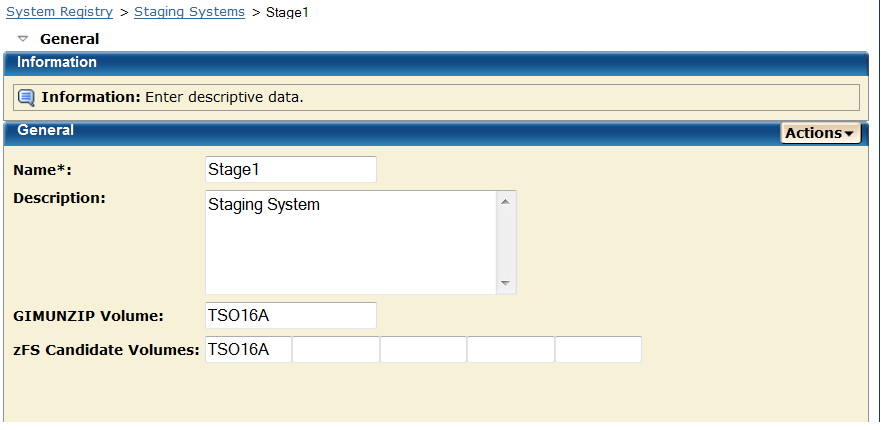
The zFS candidate volumes allow the specification of an optional list of VOLSERs used during the allocation of zFS container data sets for USS parts.
- Cancel
Cancel this maintenance.
- Save
Save the changes to this maintenance.
- Validate
Validate authenticates this entry.
Note: The validation process is done in steps; each system in this request is validated with the last step summarizing, verifying, and confirming the validation. If the validation fails this steps will show how the validation failed. See How to Investigate a Failed Validation.
- Validation Rules
- For a Non-Sysplex system that single system is validated and the last step summaries, verifies and confirms the validation.
- For a Sysplex system each system within the Sysplex is validated as an individual step and the last step summarizing, verifying, and confirming the validation.
- For Shared DASD Cluster each Non-Sysplex system is validated, each Sysplex system is validated as describe in the Sysplex Rule and the last step summarizing, verifying, and confirming the validation.
Note: A Staging system is not validated.
Note: When a system is validated status appears in the Status Field.
This table shows the system validation results and actions.