

|
|
|
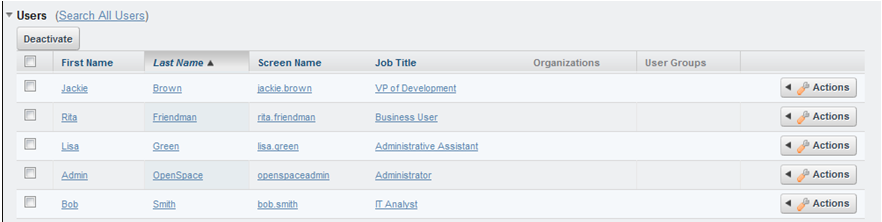
After you create a tenant, the onboarding process creates a set of default users with different roles.
Follow these steps:
Example: http://test.company.com:8686/group/control_panel
The default users are listed. The default users are created with the password aquila.
| Copyright © 2012 CA. All rights reserved. |
|