

The Top Protocols and Top Hosts views provide quick visual indicators of the most utilized protocol and hosts in your network. You can use the links to drill down to more detailed information about a specific protocol or host.
For example, suppose a protocol has a high volume of traffic. To investigate whether the traffic is correctly routed over the network, you click the protocol name in the graph and drill down to details.
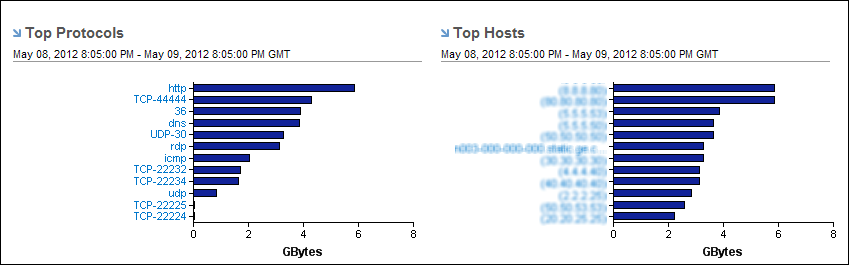
Display Tooltips in the Top Protocols and Top Hosts views by holding your cursor over a name or bar.
Find Similar Views in the Performance Center Console
The Performance Center Console has similar views, the Top Enterprise Protocols by Volume and Top Enterprise Hosts by Volume. These views are on the Infrastructure Overview dashboard (CA PC) and the Enterprise Dashboard (NPC).
|
Copyright © 2014 CA.
All rights reserved.
|
|