

In the Enterprise Overview Top Hosts view, click an individual host name to see a more detailed summary report for the host, including the top interfaces and protocols. Use this report to perform a high-level investigation of the protocols and interfaces involved in the host volume.
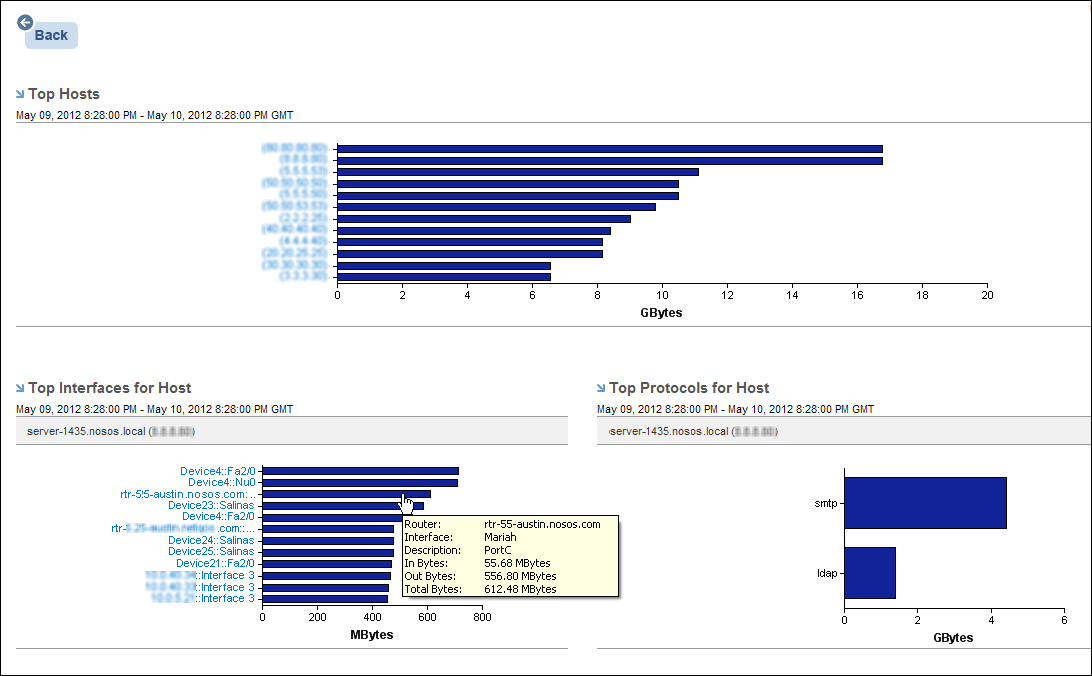
In the Top Interfaces for Host report view, click the name of an interface to open an Interface Hosts report and see detailed protocol data specific to that interface.
|
Copyright © 2013 CA.
All rights reserved.
|
|