

|
|
|
You want to learn about a VIPA, including the following information:
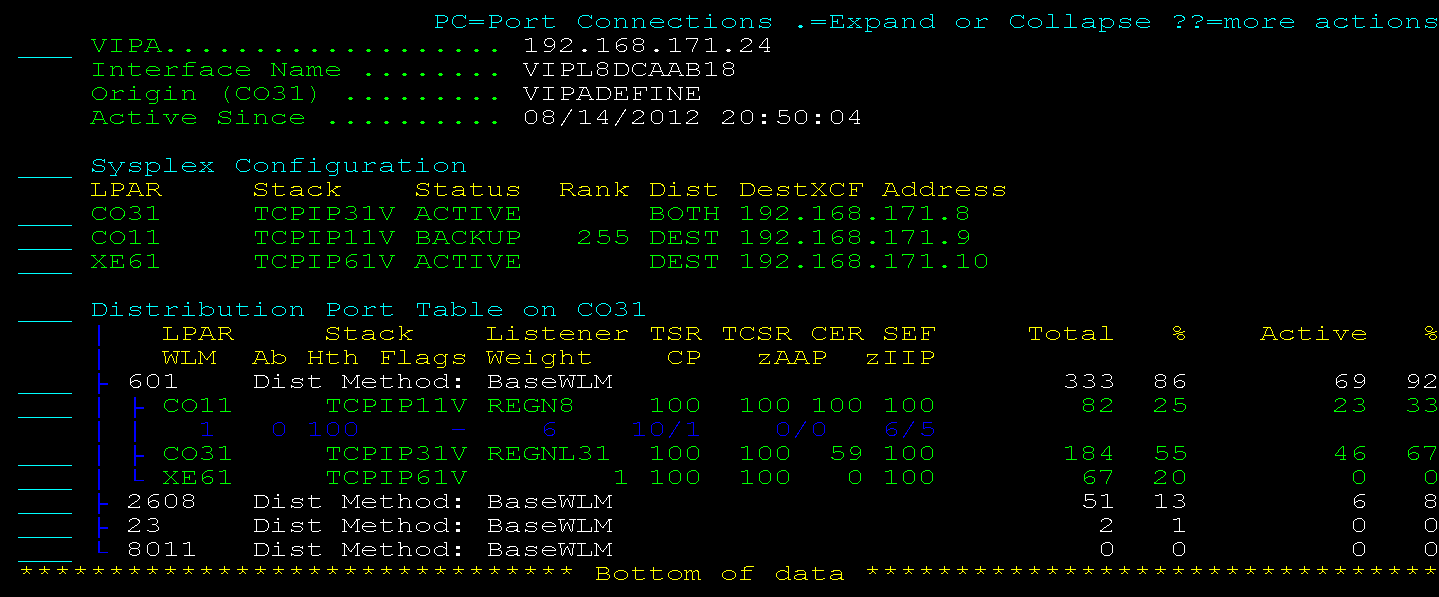
To display VIPA details, enter D (Display General Information) next to a VIPA on the IP Resource Monitor (/IPMON).
The VIPA Detail Display appears.
Example: Details About a Distributed Dynamic VIPA
This example shows how a sysplex distributor is distributing connections from the VIPA, 192.168.171.24. The TCPIP31V stack on the CO31 system currently owns the VIPA.
| Copyright © 2012 CA. All rights reserved. |
|