

|
|
|
Use this procedure to access the WebCenter interface.
To access WebCenter
Note: The WebCenter web access URL is defined when the product is installed. If you do not know the URL, ask your system administrator or refer to the NetMaster : Primary Menu.
The WebCenter login page appears.
Note: You can bookmark the WebCenter Access URL in your web browser. The bookmark lets you access WebCenter easily and quickly in the future.
The WebCenter home page appears.
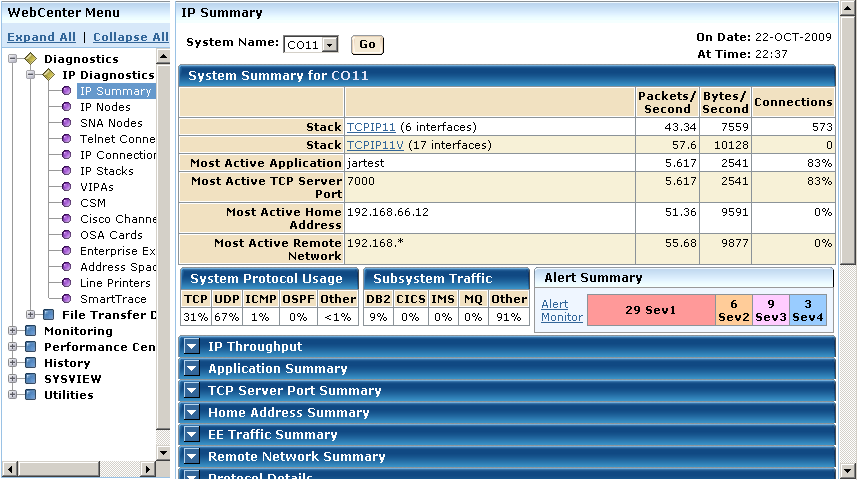
The left side of the WebCenter page contains the WebCenter menu, which you can use to access the WebCenter functions.
| Copyright © 2012 CA. All rights reserved. |
|