

|
|
|
To view the details of the different types of tunnels, use the Tunnels options on the IPSec menu.
From the IPSec menu, select the K (List IKE Tunnels) option to list the tunnels for a specified stack.

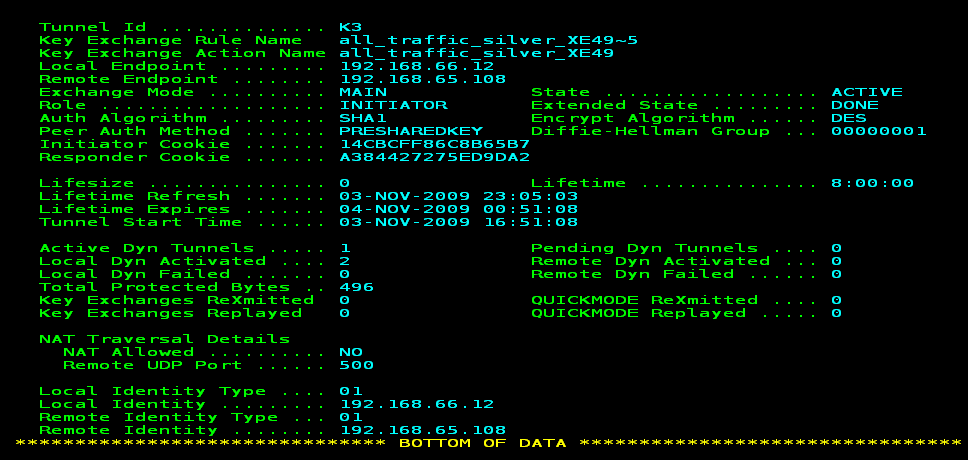
From the list, you can perform various functions such as displaying the details of a tunnel, deactivating a tunnel, or refreshing the cryptographic keys for a tunnel. This example shows the details of an IKE tunnel.
| Copyright © 2012 CA. All rights reserved. |
|