

|
|
|
You can enter the UC (Display UDP Connections) command next to an EE resource to list the UDP connections by the name of the remote CP.
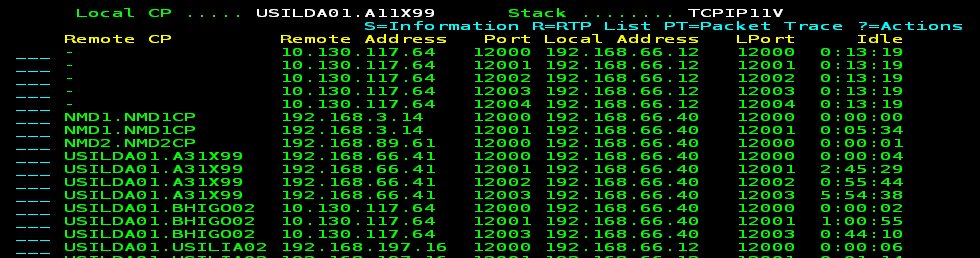
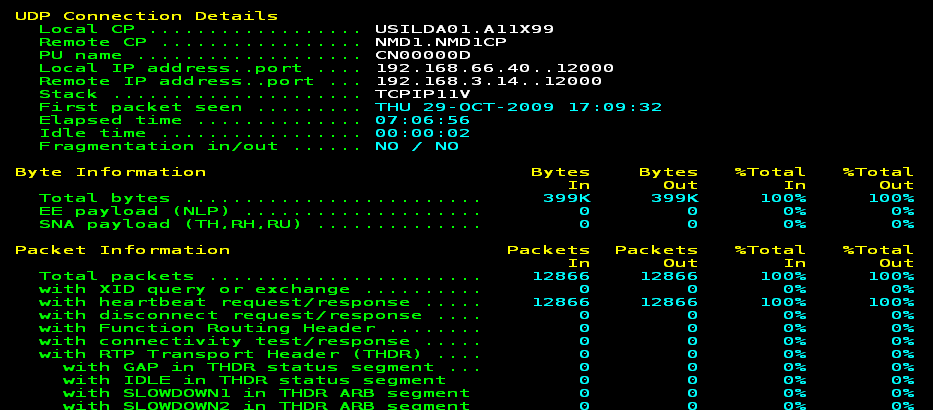
You can press F11 (Right) to display more information. You can enter a question mark (?) next to a CP name to list the actions you can perform. For example, you can enter S next to the NMD1.NMD1CP CP to display information in addition to what is available on the list.
| Copyright © 2012 CA. All rights reserved. |
|