

|
|
|
This example shows a list of Telnet connections with the TPX31 primary LU of a VTAM application. The following process shows you how to list the connections:
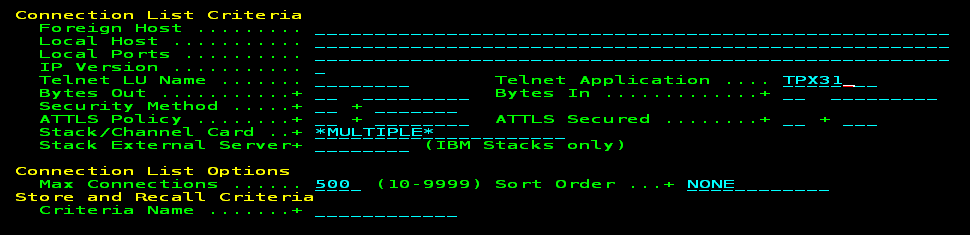
The criteria lists the Telnet connections with TPX31on all monitored stacks and channel cards.
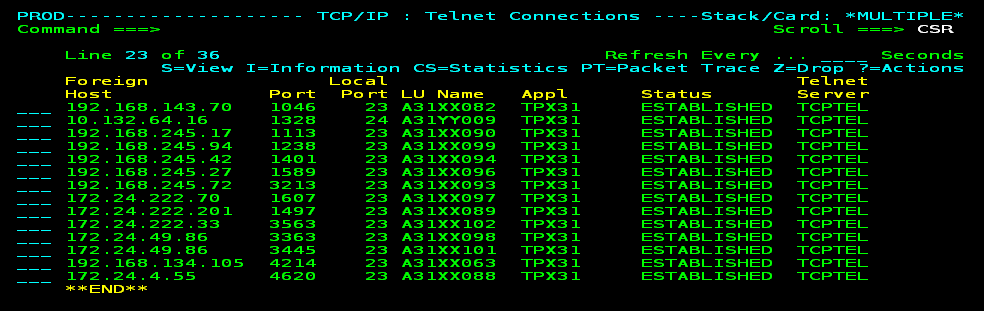
You can press F11 (Right) to display more connection information. You can enter a question mark (?) next to a connection to list the actions you can perform. For example, you can use TPA (Transaction Path Analyzer) to view response times or PT (Activate Packet Trace) to trace packets.
| Copyright © 2012 CA. All rights reserved. |
|