Introduction › Concepts and Facilities › Common Application Services (CAS) › Help › Help Hierarchy
Help Hierarchy
There are three levels of help. Help text can be defined at any or all of these levels, as shown in the following figure.
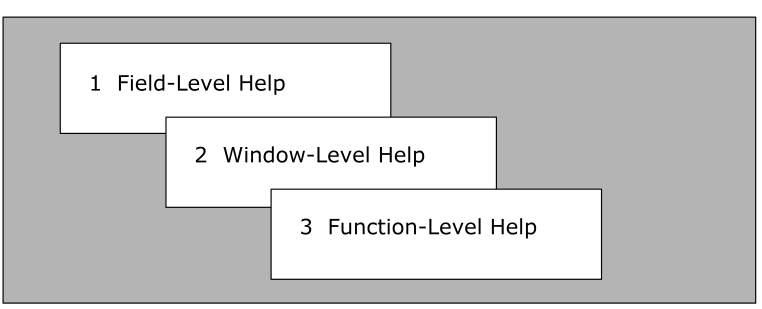
The order in which help is presented to the user is levels 1 to 3, that is, beginning with the most specific help available, and becoming more generalized.
- Field-Level Help describes a single field, the data that can be entered by the user, and what happens as a result.
- Window-Level Help provides help for a group of logically related fields within a panel. A window is an area that covers part or all of a physical panel. There can be many windows defined for one panel; windows can overlap.
- Function-Level Help describes the function that the user is currently performing. Function-level help relates to one particular function within the application (for example, the Add Record function within a maintenance application).
For example, a panel might have two help windows defined as shown in the following diagram:
 XXXXX---------------- Sample Application : Add Record --------------Page 1 of 1
 Command ===>                                                       Function=Add


 Record ID ...... ___         X             Userid ........________
 Record Name .... ____________X             Date ..........________
 Description .... ____________________


    Window A                                    Window B


  F1=Help      F2=Split     F3=File      F4=Save      F9=Swap     F12=Cancel
- If a user enters the HELP command from this panel, with the cursor positioned in the Record ID field, then CAS displays the field-level help describing the Record ID.
- If the user then re-enters the HELP command, CAS displays the window-level help for Window A (this file describes the Record ID, Record Name and Description fields).
- Entering the HELP command again displays the function-level help for the Add Record function
|
Copyright © 2008 CA.
All rights reserved.
|
|

