Installing Your Product Using CA MSM › Setting System Registry › View a System Registry
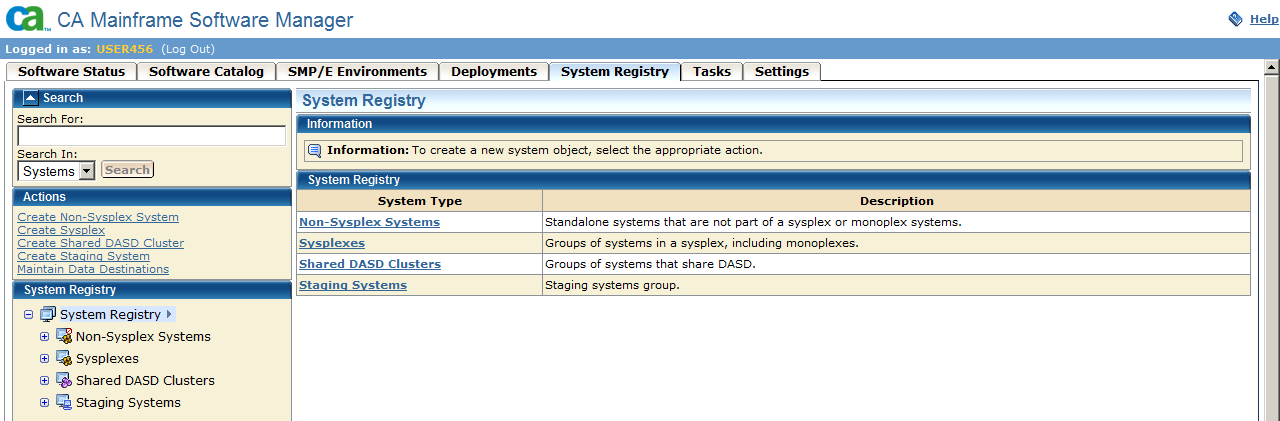
You can view a system registry by using the CA MSM.
Follow these steps:
Information about the systems that you selected appears on the right side.