

|
|
|
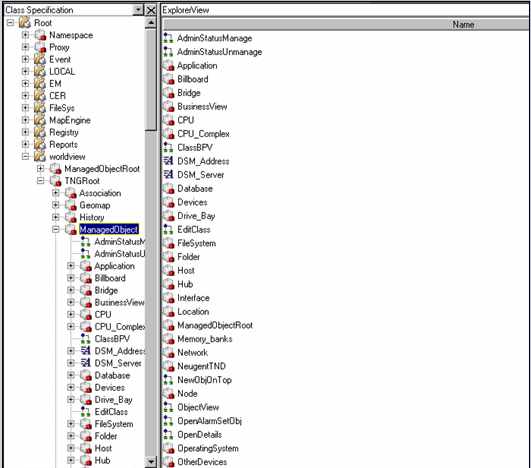
Management Command Center (MCC) is the management portal that provides a meaningful, consolidated view of enterprise data. Whether the data source is Agent Technology, Enterprise Management, WorldView, or another application, MCC uses the same navigational trees and rightmost plug‑ins for consistent user interaction. MCC provides the flexibility to launch client-side and server-side applications and batch commands as well as client‑side Java applications and applets through convenient pop‑up menus that are specific to the objects of a particular class. It brings all of the GUIs and the management of your enterprise under one common look‑and‑feel tool.
The MCC lets you view objects belonging to CCS classes and equips you with notebooks and dialogs to help you maintain your data. You can modify existing objects, create new objects, and reclassify unclassified objects found during Enterprise Discovery. As with all of the product's features and components, MCC simplifies the process of managing your business to save you time, effort, and money, as shown in the following example:
| Copyright © 2012 CA. All rights reserved. | Tell Technical Publications how we can improve this information |