

|
|
|
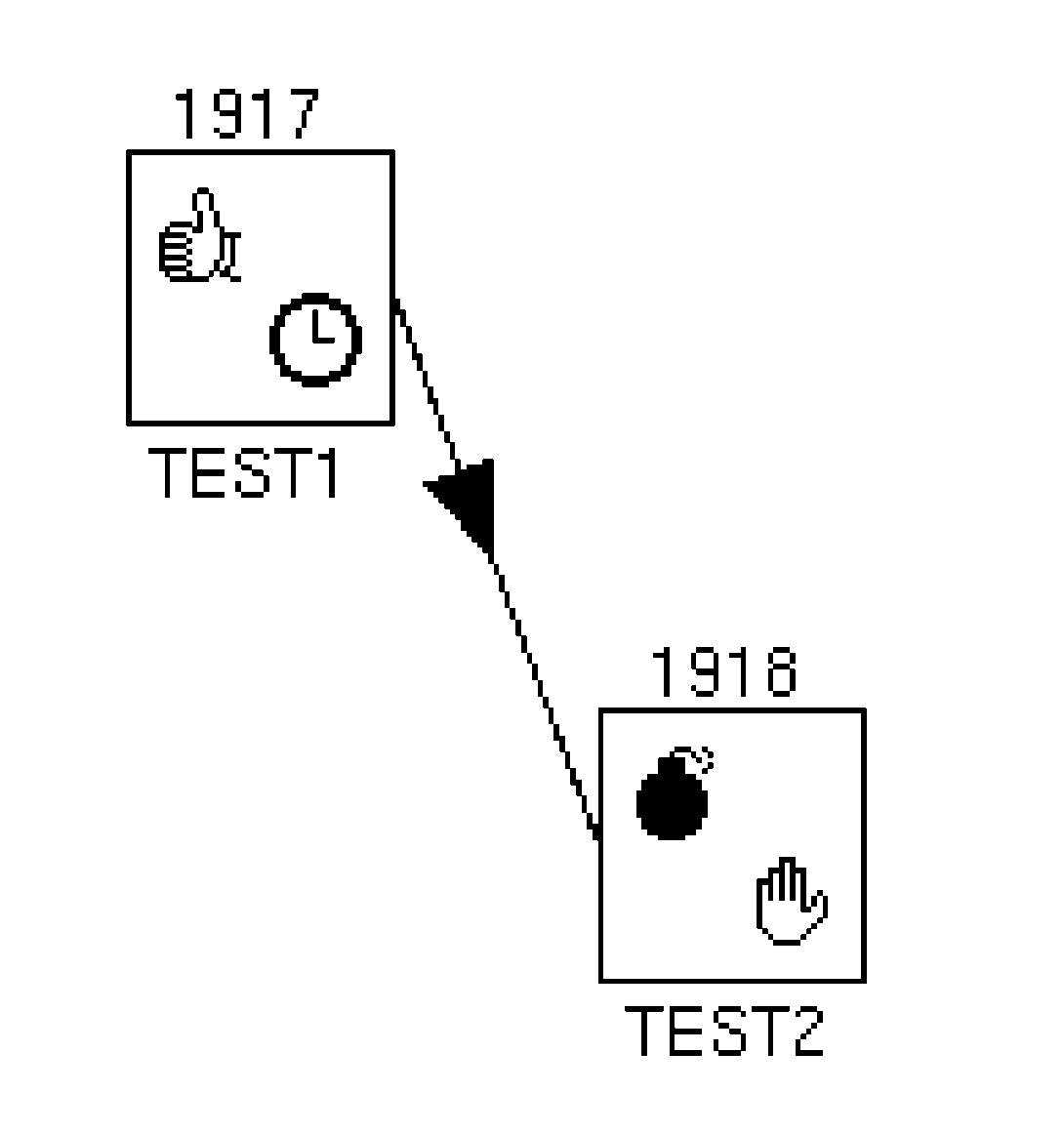
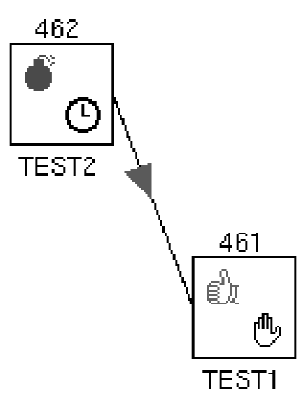
When you create a dependency, the direction in which you drag the mouse determines the dependency between two jobs: you press MB1 on the job that must complete before the job that depends upon it, drag, and release MB1 on the box that contains the dependent job. In example 1, the mouse was dragged from TEST1 to TEST2. In example 2, the mouse was dragged from TEST2 to TEST1. The arrow points in the direction of the dependent job.
Note: The manager displays dependent jobs using arrows that point from left to right, in the direction of the flow of execution of the jobs. When you create a dependency that goes from right to left, the manager rearranges the job boxes in the window the next time it displays them, for instance, when you click on Refresh.
Example 1 Example 2
To create a dependency for a job:
The job is highlighted in the Graphical Display window and the Linear Display window.
If Yes, drag the mouse to the second job and release MB1.
As you drag the mouse, you create a line that follows the pointer from the first job to the second job. When you release MB1, an arrowhead appears on the line, pointing from the first job to the second job. Messages appear in the Real Time Messages Display window reporting that the second job was modified, and by whom.
| Copyright © 2012 CA. All rights reserved. | Tell Technical Publications how we can improve this information |