|
|
|
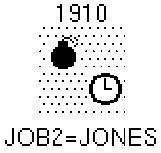
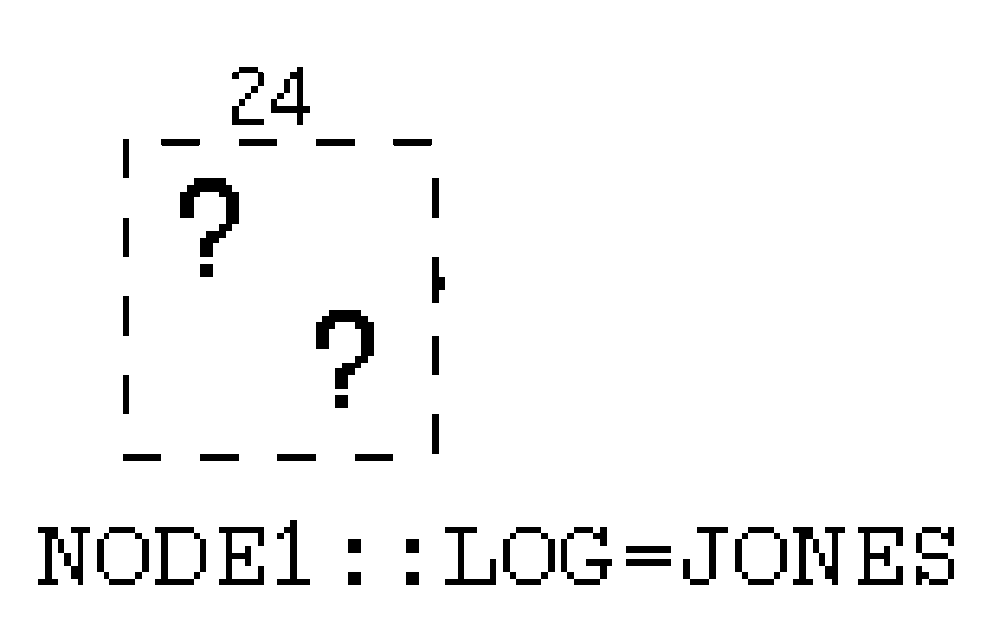
When you select jobs to display in the Load Jobs dialog box, the manager also displays any jobs that are connected to the selected jobs by dependencies. These dependency-related jobs can be on the current node or a remote node. The manager displays the job boxes for selected and unselected jobs differently, as described in the following table. The owner of an unselected job is always displayed.
Note: In this context, unselected jobs are jobs that were not selected for display in the Load Jobs dialog box, rather than jobs that were not selected (highlighted) using MB1.
|
When a job box is displayed like this ... |
|
|---|---|
|
|
It matches the criteria you specified from the Load Jobs dialog box. |
|
|
|
|
|
|
Note: You cannot perform actions on unselected jobs, nor can you create dependencies that involve them.
The following figure shows an example of selected and unselected job boxes as shown in the Graphical Display window:
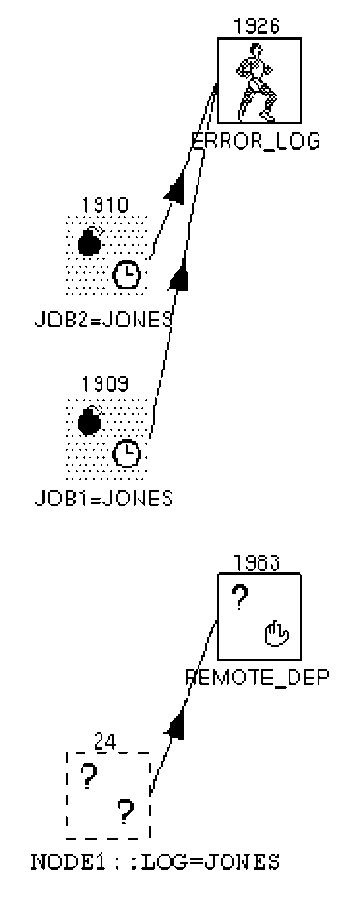
In the example shown in the figure, a group of jobs was selected. This group contains two jobs:
| Copyright © 2012 CA. All rights reserved. | Tell Technical Publications how we can improve this information |