

|
|
|
If you have selected many jobs in your CA Management Manager database, you cannot be able to view all of your jobs at one time in the Display window. To perform an action on a job, first locate it in the Display window and then select it by clicking it with MB1.
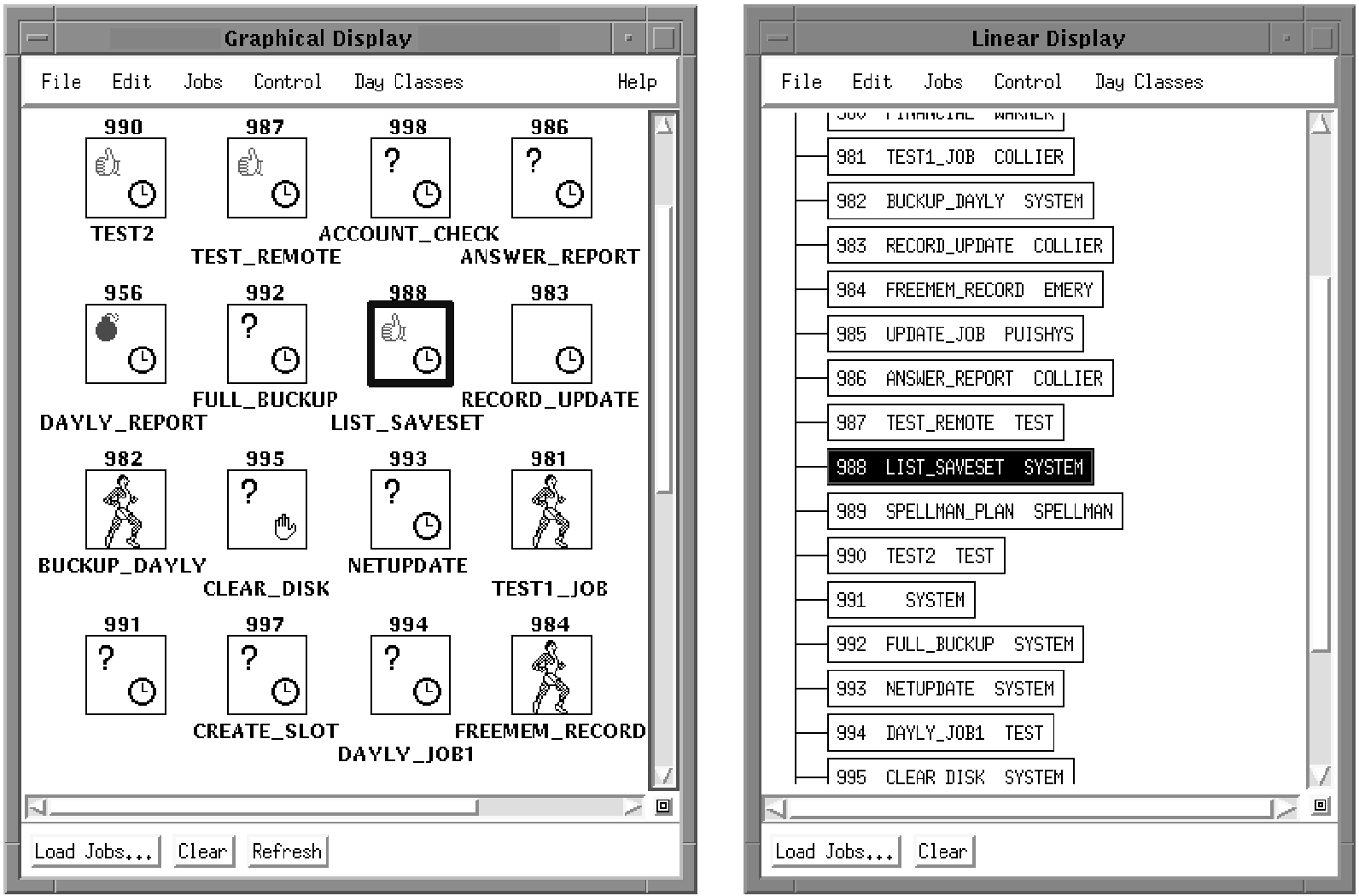
Scroll bars to find the job in the Graphical Display window and click it with MB1. In the Linear Display window, you can sort jobs by number, job name, or job owner using the Edit menu.
When you select a job by clicking it, it is highlighted in both Display windows, as shown in the following figure. When you click a job in the Linear Display window, the Graphical Display window scrolls automatically to show the job, if necessary. The following figure shows both Display windows, with the job LIST_SAVESET selected:
| Copyright © 2012 CA. All rights reserved. | Tell Technical Publications how we can improve this information |