

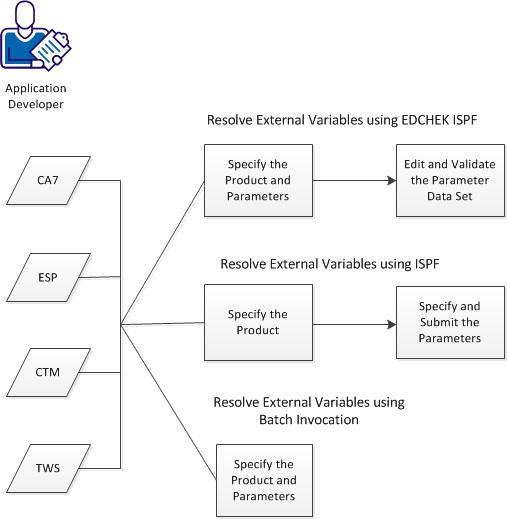
As an application developer, you are responsible for the configuration of CA JCLCheck. To configure CA JCLCheck to resolve external variables from different scheduling products, you can use three different methods. The following diagram shows the three different methods:
Follow the procedures for the method that applies to your environment.
To Resolve External Variables using EDCHEK ISPF, follow these steps:
To Resolve External Variables using ISPF, follow these steps:
To Resolve External Variables using Batch Invocation, follow this step:
|
Copyright © 2013 CA.
All rights reserved.
|
|