

Audit data provides a historical record of operations that occur in an environment. When you configure and enable auditing, the system records information about the tasks in an auditing database. The audit information can be used to generate reports. Some examples of audit data include the following points:
Audit data is generated for CA Identity Manager events. An event is an operation that is generated by a CA Identity Manager task. For example, the Create User task may include an AssignAccessRoleEvent event.
The following diagram describes how a system administrator configures auditing and generates a report on audit data:
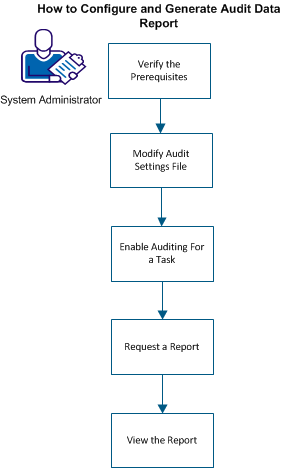
As an administrator, complete the following steps:
|
Copyright © 2014 CA.
All rights reserved.
|
|