

The Management Console enables administrators to create and manage CA Identity Manager directories and environments. Administrators can also use the Management Console to configure custom functionality for an environment.
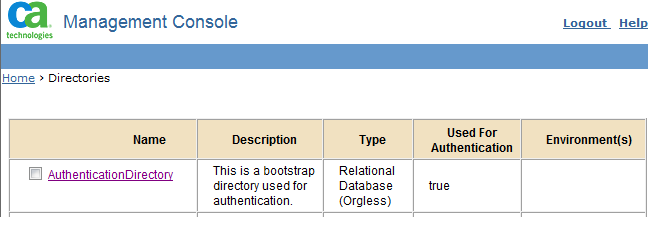
The CA Identity Manager installation includes an option to secure the Management Console. This option is selected by default. During the installation, you specify credentials that CA Identity Manager uses to authenticate an administrator who can access the Management Console. CA Identity Manager creates a user with the credentials you supply in a bootstrap directory named AuthenticationDirectory. You can view this directory in the Management Console.
Note: You cannot use native security to protect the Management Console when CA Identity Manager integrates with CA CA SiteMinder®.
|
Copyright © 2014 CA.
All rights reserved.
|
|