

CA Identity Manager Configuration Guide › CA Identity Manager Environments › Manage Configuration › Display XML Configuration
Display XML Configuration
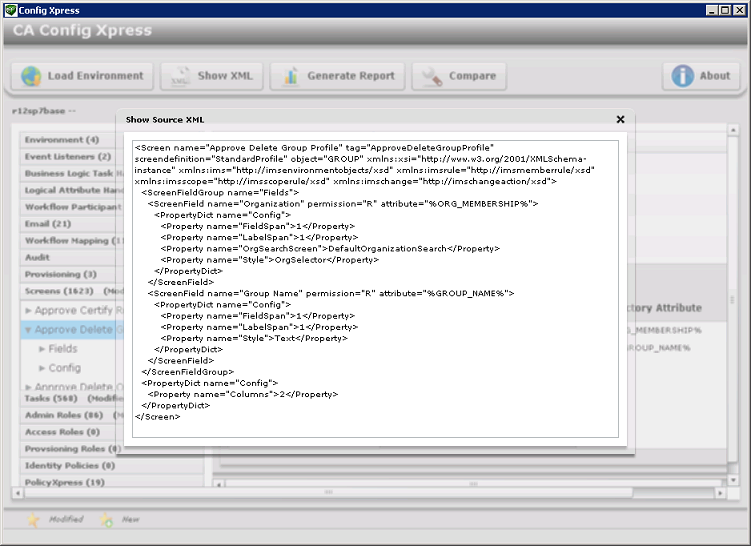
Config Xpress can display the XML configuration for a particular component. You can study this XML file to help you understand a system.
Follow these steps:
- Load an environment into Config Xpress.
- Click on a component in the Config Xpress screen.
- Click Show XML.
The XML configuration appears:
Copyright © 2014 CA.
All rights reserved.
|
|