

You can create and configure a global address book (GAB) using the Address Book Properties dialog.
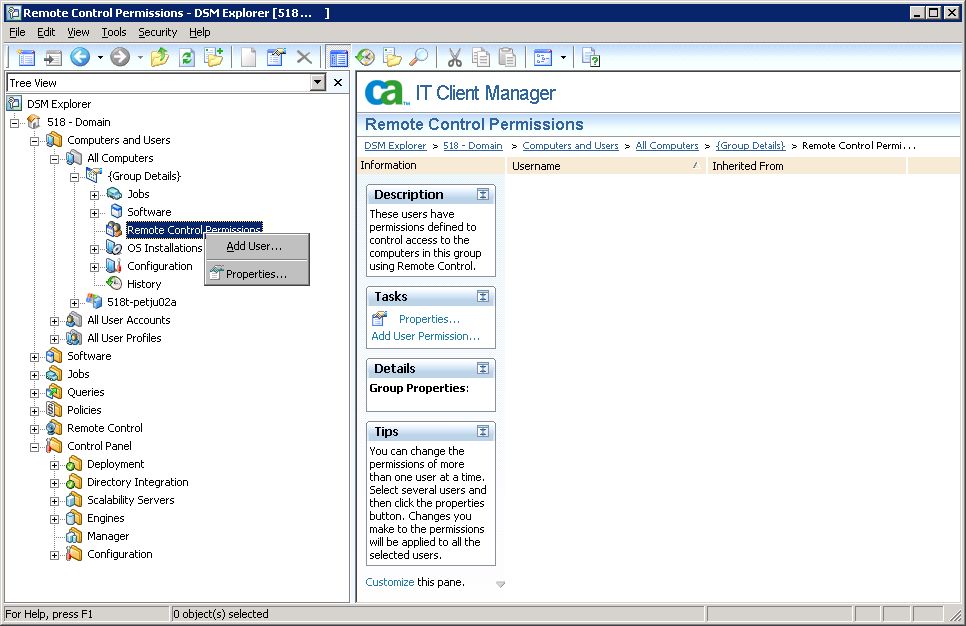
To create a new global address book group
A context menu appears:
The Address Book Properties dialog appears:
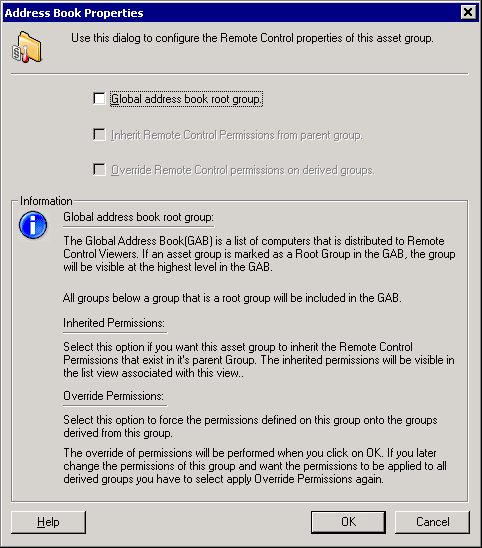
The root group and its members are added to the global address book.
The new global address book group is created.
Any subsequent changes to the asset group—adding a computer or removing one—are reflected in the global address book.
All of the user permissions defined in the global address book root are displayed in the Root Address Book Permissions pane. Each asset group that is part of the global address book inherits these permissions by default.
|
Copyright © 2013 CA.
All rights reserved.
|
|